WhatsApp Business Greeting Messages: Examples and Setup Guide
A WhatsApp Business greeting message is often the first automated reply a customer sees. This guide explains how greeting messages work, when to use them, how they differ from away messages, and how to write helpful examples for support, sales, bookings, and order conversations.
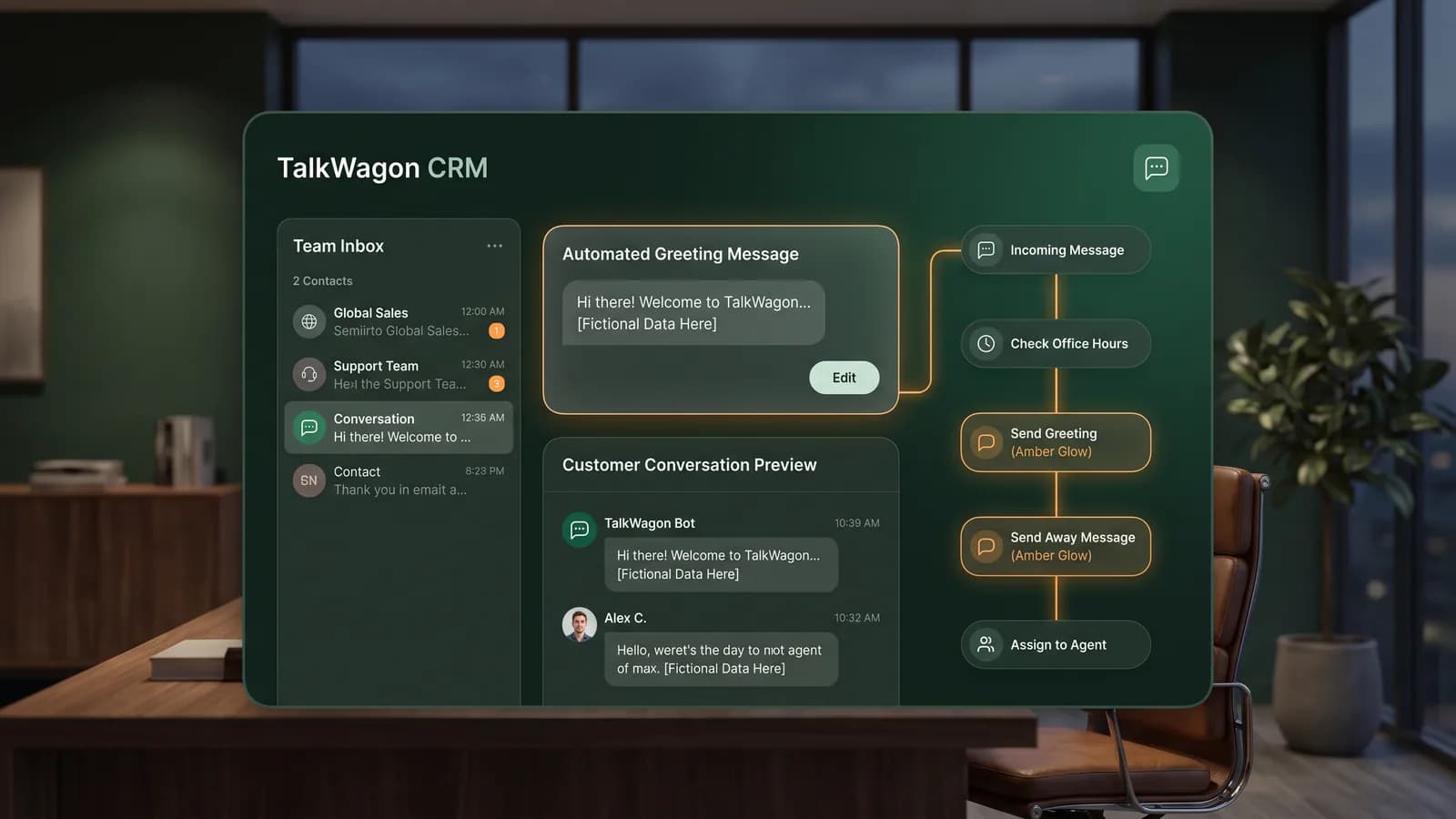
The best greeting is not a long sales pitch. It is a short welcome that confirms the message arrived, tells the customer what to share next, and sets an honest expectation about response time. A useful greeting helps the customer feel seen without pretending that an agent has already read the conversation.
What is a WhatsApp Business greeting message?
WhatsApp describes greeting messages as a WhatsApp Business app feature that can be turned on from Business tools. The business writes the greeting text, chooses the audience settings available in the app, and saves the automated message. Depending on the settings, the message can welcome customers who start a new chat or return after a period of inactivity.
In real business use, the greeting message does four practical jobs: it acknowledges the customer, clarifies the next step, reduces repeated first questions, and helps the team route the conversation. A clinic might ask for the preferred appointment date. A store might ask for an order number. A service business might ask for the city, service type, and urgency. A sales team might ask which product, plan, or package the customer wants to discuss.
Greeting message vs away message
Greeting messages and away messages are related, but they should not be treated as the same script. A greeting message starts the conversation. An away message explains that the team is currently unavailable. If both messages say almost the same thing, customers may get confused about whether someone is available to help.
| Message type | Best use | Good customer expectation |
|---|---|---|
| Greeting message | Welcome new or returning customers. | “We received your message; here is what to share next.” |
| Away message | Explain that the team is offline or unavailable. | “We are away; here is when we can reply.” |
| Platform template | Send approved business-initiated messages through the API. | “This is a categorized template with Meta approval rules.” |
If your main goal is to explain when the team is unavailable, use an away message instead. Our complete guide to WhatsApp away message examples covers scheduling, after-hours wording, weekend and holiday replies, and human follow-up. If your team needs reusable saved responses for live conversations, read the WhatsApp Business quick replies guide. If the conversation is part of a buying journey, the WhatsApp commerce explainer shows how catalogs, questions, payment instructions, support, and follow-up fit together. If your team needs the technical CRM connection behind those workflows, use the WhatsApp CRM integration guide.
How to set up a WhatsApp Business greeting message
The exact app labels can vary by device and app version, but the current WhatsApp Help Center flow starts from Business tools. A safe setup process looks like this:
Open WhatsApp Business
Start inside the WhatsApp Business app, not the regular customer app.
Go to Business tools
Open the business settings area where automated replies and profile tools live.
Choose Greeting message
Open the greeting message setting and turn the feature on.
Write the message
Use a short welcome, your business name, and the next detail the customer should send.
Choose recipients
Select the audience options available in your app, such as new customers or selected contacts.
Save and test
Check the greeting from a customer-like chat before relying on it in real conversations.
If your business uses the WhatsApp Business Platform or Cloud API, treat templates separately. Meta’s developer documentation describes templates as WhatsApp Business Account assets with their own categories, variables, and approval rules. A greeting script you use in the app is not automatically the same thing as a platform template.
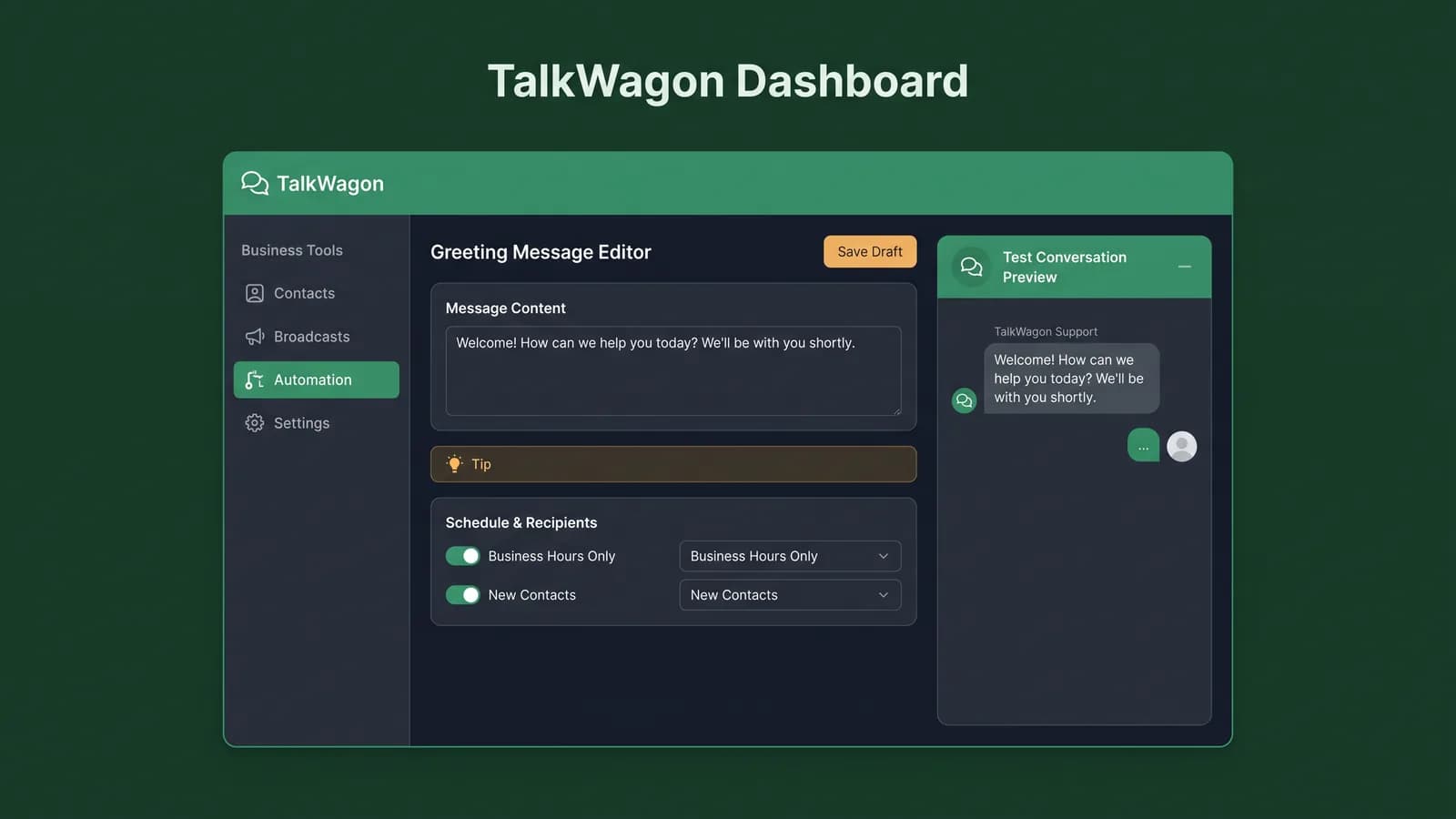
WhatsApp Business greeting message examples
Use these examples as starting points, not fixed scripts. Replace placeholders such as [First name], [Company name], and [Support hours] with real details. Keep every promise accurate. If your team replies during business hours only, say that clearly.
General business greeting
“Hi [First name], welcome to [Company name]. Thanks for messaging us. How can we help you today?”
Use this when the customer could be asking about anything and your team wants a friendly, open-ended start.
Support expectation greeting
“Hi, thanks for contacting [Company name]. Our support team is online during [Support hours]. Please share your question and we will help as soon as possible.”
Useful for teams that need to acknowledge the message without promising an unrealistic instant reply.
Sales inquiry greeting
“Hello, thanks for your interest in [Company name]. Please tell us what you are looking for, and our team will guide you with options, pricing, and next steps.”
Good for leads who arrive from a website button, ad campaign, product page, or referral.
Appointment or booking greeting
“Hi, welcome to [Company name]. To help with your booking, please send your preferred date, time, service, and location.”
Works for clinics, salons, consultants, repair services, agencies, and local appointment-based teams.
Ecommerce order help greeting
“Hi, thanks for messaging [Company name]. For order help, please share your order number and the issue you need help with.”
Keeps order conversations structured from the first reply and reduces the back-and-forth your agents need.
After-hours greeting
“Hi, thanks for reaching [Company name]. We have received your message. Our team replies during [Support hours], and we will get back to you when we are online.”
Use this only if the stated hours match your real availability. If the team is offline, it should not sound like live support is available.
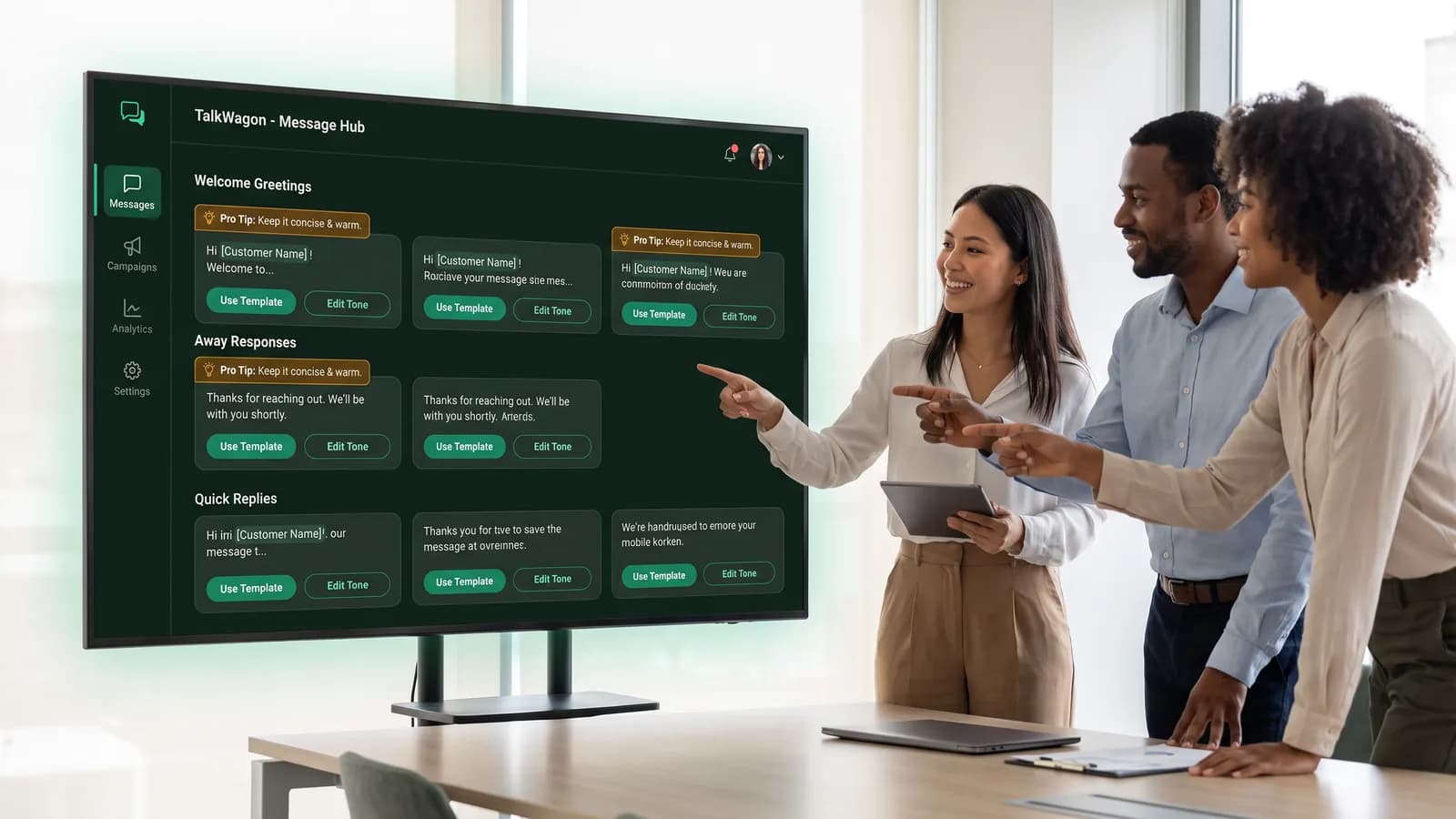
How to choose the right greeting for your business
The right greeting depends on what the customer usually wants at the first touch. If most customers ask for prices, the message should ask what product, service, quantity, or plan they want. If customers ask for support, ask for the order number, account email, or screenshot. If customers book appointments, ask for the preferred date, time, service, and location.
Keep the greeting broad enough to work for different conversations, but specific enough to reduce agent workload. “How can we help?” is friendly, but it does not collect useful context. “Please share your order number and the issue” is more useful when most chats are order support conversations. The best version depends on your customer journey.
Ask for one useful detail
Request the single detail your team needs next: service type, order number, appointment date, or product name.
Set honest expectations
Mention hours or response timing only when they are real. Avoid fake instant-support promises.
Keep promotion secondary
A greeting can mention an offer, but the first purpose should be helping the customer get routed correctly.
Common mistakes to avoid
- Writing a long greeting that customers will skim or ignore.
- Promising fast support when your team cannot actually reply fast.
- Using the same text for greetings and away messages.
- Starting with a discount before understanding the customer’s need.
- Forgetting to tell the customer what information to send next.
- Using placeholders without checking that the final message reads naturally.
- Sending platform template messages without checking the correct template approval rules.
Greeting message checklist
Before you turn on your greeting, review the message as if you were the customer. A short message that collects the right context is better than a polished paragraph that does not move the conversation forward.
The message welcomes the customer in one or two short sentences.
The customer knows what information to send next.
Business hours or response-time wording is accurate.
The tone matches your brand and does not sound robotic.
Any promotional wording is relevant and expected.
The message has been tested from a customer-like conversation.
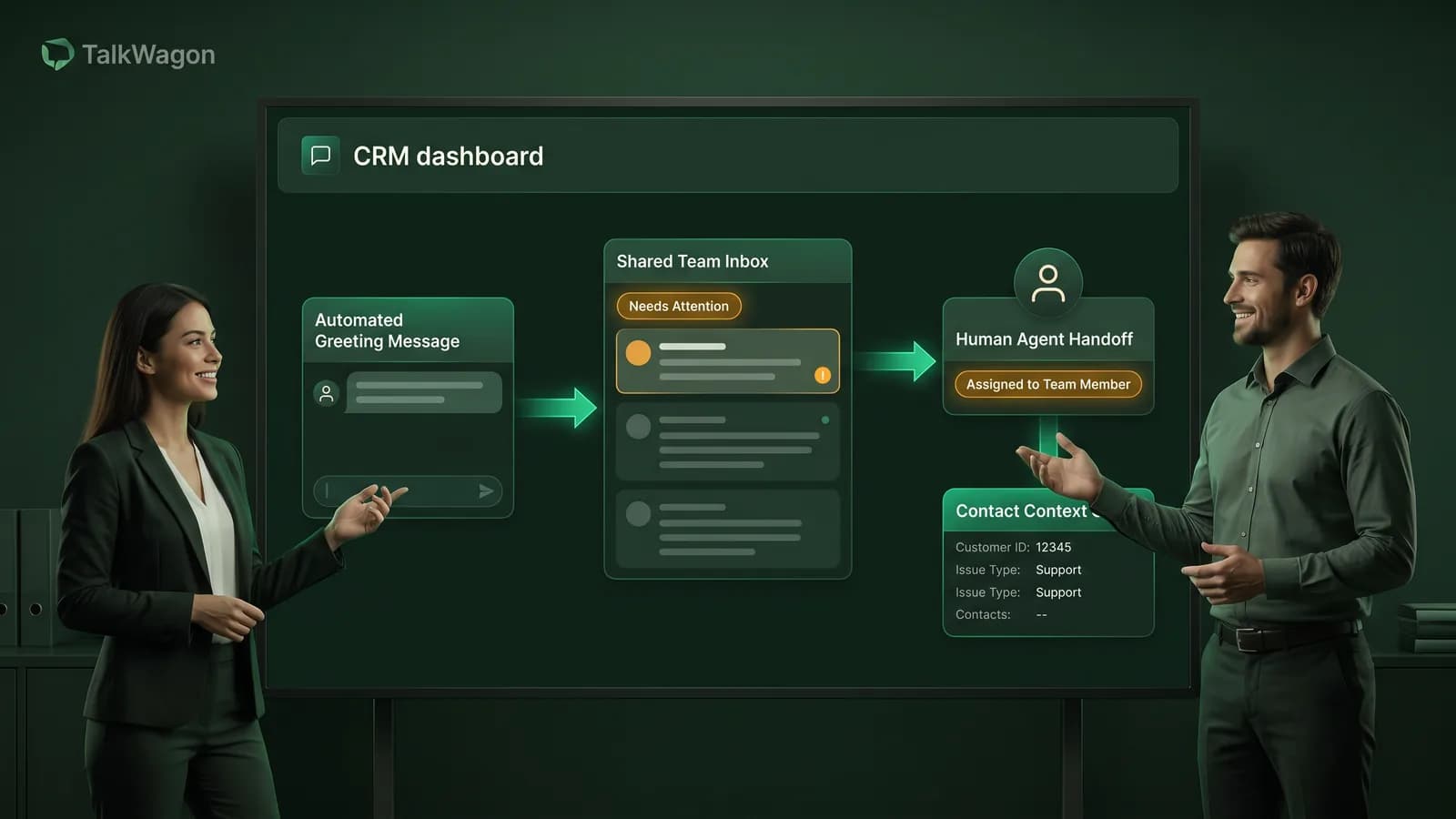
Where TalkWagon fits
A greeting message helps with the first reply. A team still needs a reliable way to handle the conversation after that first reply. TalkWagon is built for teams that manage WhatsApp customer conversations beyond a single phone, with shared inbox ownership, contact context, broadcasts, automations, templates, and team permissions.
If your business needs routing after the first customer message, explore the WhatsApp team inbox, automation workflows, WhatsApp flow builder, and WhatsApp sales CRM.
Frequently asked questions
What is a WhatsApp Business greeting message?
A WhatsApp Business greeting message is an automated welcome reply that can be sent when a customer starts a new chat or returns after a period of inactivity, depending on the business app settings.
Is a greeting message the same as an away message?
No. A greeting message welcomes new or returning customers. An away message explains that the business is unavailable or outside its usual response hours.
What should a greeting message include?
A useful greeting usually includes a short welcome, the business name, a clear next step, and an honest expectation about when the team can reply.
Can a greeting message include a sales offer?
It can, but only when the offer is relevant, expected, and appropriate for the customer journey. Most greeting messages should focus first on helping the customer get routed correctly.
Do WhatsApp Business greeting messages need Meta approval?
Greeting messages configured in the WhatsApp Business app are different from WhatsApp Business Platform message templates. Platform templates have separate Meta rules, categories, and approval requirements.
Official references
These official pages are useful when you need to confirm current WhatsApp Business app behavior or WhatsApp Business Platform template rules.
Turn WhatsApp replies into organized team workflows
Use TalkWagon to manage shared WhatsApp conversations, customer context, broadcasts, follow-ups, automations, and team permissions from one CRM workspace.
See TalkWagon plans