Compare the daily team workflow
Review how each option handles shared conversations, contact context, agent access, assignments, and the move from customer message to next action.
Production-ready WhatsApp CRM for sales, support, broadcasts, and AI automation.
A factual WhatsApp CRM evaluation guide
Compare Talk Wagon as a WATI alternative for team inboxes, CRM workflows, broadcasts, automation, permissions, and transparent plan evaluation.
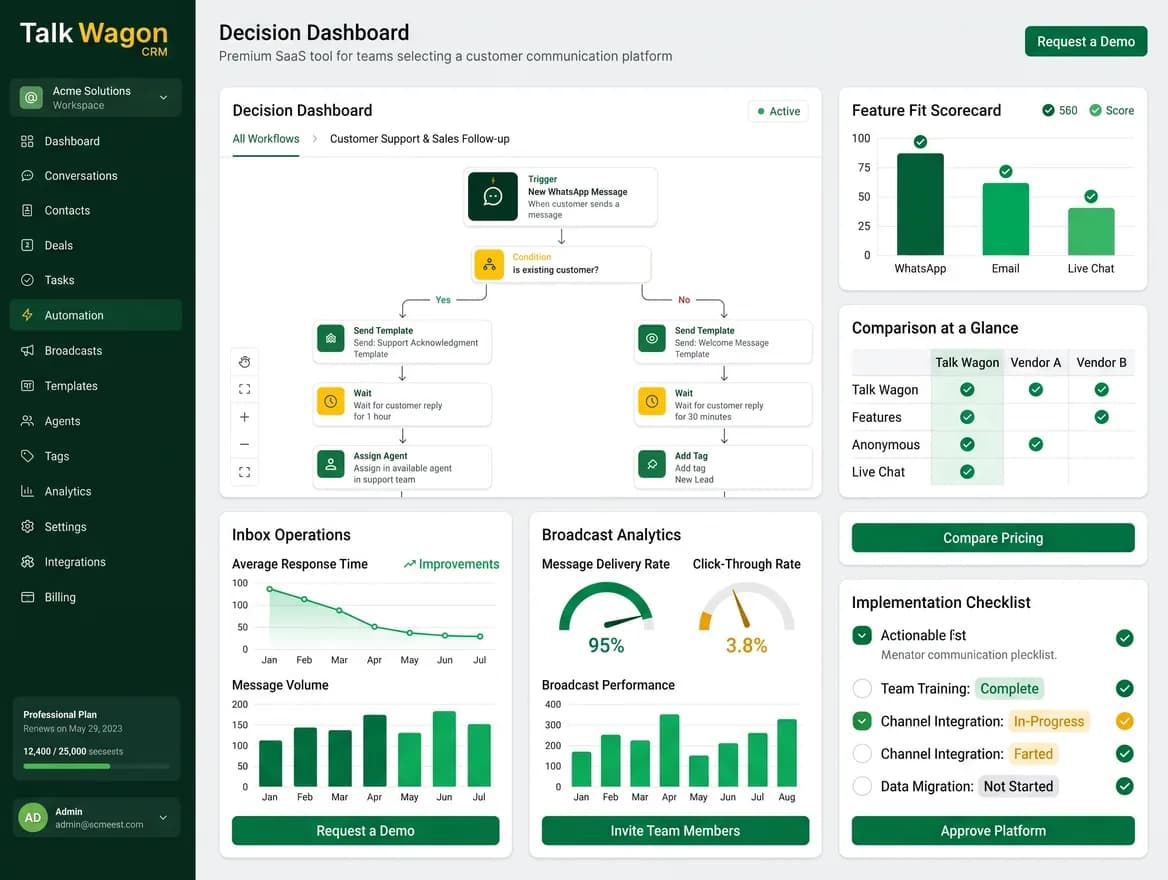
Comparison framework
A responsible alternative page should give buyers enough detail to understand fit: workflow, pricing layers, team access, automation limits, integrations, support, and connected WhatsApp requirements.
Review how each option handles shared conversations, contact context, agent access, assignments, and the move from customer message to next action.
Compare the software subscription with Meta messaging charges and any optional provider or add-on costs instead of treating them as one price.
Map the workflows your team needs, such as routing, templates, waits, tags, webhooks, pipeline actions, and human handoff, to the features and limits that affect daily operations.
Compare users, broadcasts, automation triggers, API calls, webhooks, integrations, AI credits, support level, and message-charge structure before choosing a platform.
Evaluation process
Use current official evidence and a real team workflow to compare the options that matter to your business.
Write down the team inbox, contact, campaign, automation, reporting, and permission needs that matter now.
Review Growth, Pro, Business, and Talk Wagon Pro as complete operating models, not just headline subscription prices.
Compare subscription, Meta messaging, optional add-ons, setup, and any infrastructure or provider charges.
Use a realistic customer journey to evaluate assignment, template sending, automation, and agent follow-up.
Select the option that fits your team's inbox, campaign, automation, reporting, and budget requirements instead of relying on a generic feature checklist.
Product workflow views
Each view highlights a different part of the same CRM workflow: setup, team execution, and ongoing performance tracking.
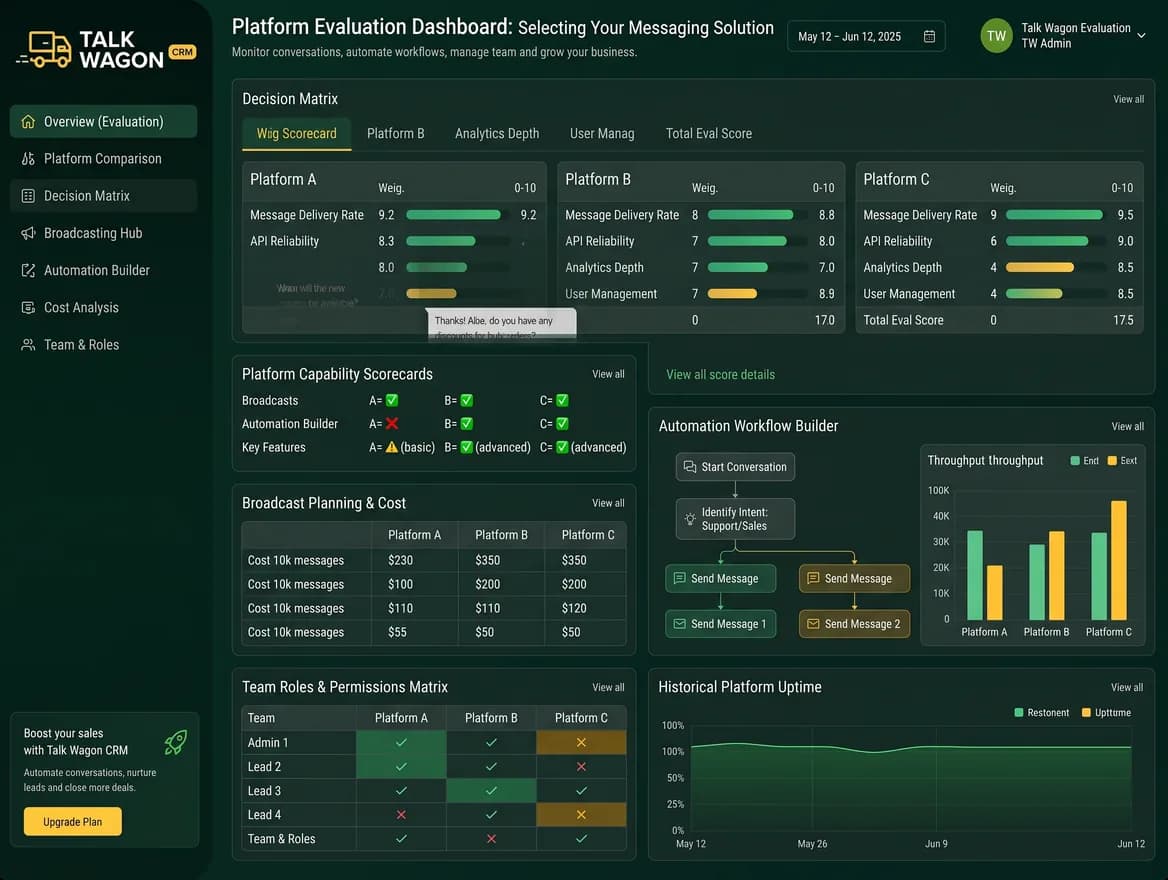
Help visitors compare operational fit by looking at inbox workflows, automation needs, broadcast handling, and team permissions together.
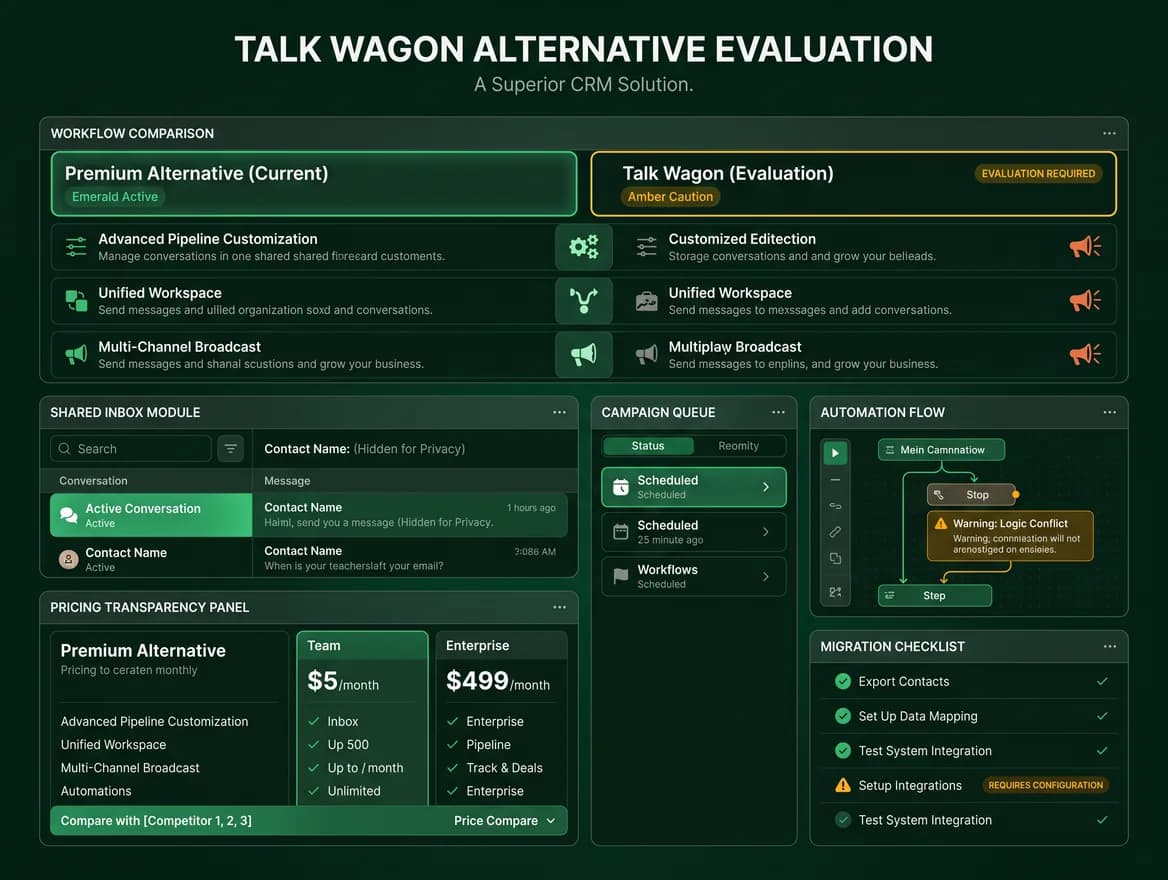
Use the second view to support careful vendor evaluation without claiming feature parity or showing competitor-owned interfaces.
Side-by-side evaluation
Use this comparison table as a buying checklist. It explains how to evaluate workflow, cost, team access, and automation fit without assuming the two products have identical features.
| Decision factor | Talk Wagon | WATI | Evidence or important context |
|---|---|---|---|
| Core workflow | Built around a shared WhatsApp team inbox, contacts, broadcasts, visual flows, automations, pipelines, reporting, and workspace permissions. | WATI is an AI-powered customer engagement platform with a Team Inbox, customer information in a built-in CRM, AI agents or chatbots, assignment to team members, campaign tools, and multi-channel conversation support including WhatsApp, Instagram, Facebook, RCS, SMS, and TikTok. | WATI public product and help pages reviewed on July 19, 2026 describe messaging, automation, AI, CRM, analytics, Team Inbox, and multi-channel customer engagement. Talk Wagon copy is limited to features present in this CRM. |
| Cost model | Talk Wagon Pro is positioned as a CRM subscription for the workspace, with Meta WhatsApp API messaging charges and provider costs kept separate. The public Pro page currently presents $1 for the first month, then $9.99/month, with a 1,000,000-message CRM-side broadcast allowance per billing period. | WATI describes total cost as three layers: subscription plan, WhatsApp messaging charges, and optional add-ons. Its pricing page also states that message charges apply separately and vary by marketing, utility, and authentication message type. | WATI's official pricing-structure article states that total cost depends on subscription plan, messaging charges, and optional add-ons. Talk Wagon pricing remains separate from Meta WhatsApp API charges. |
| Team access | Workspace roles and permissions are designed for owners, managers, agents, and team members who need controlled CRM access. | WATI Growth lists 3 included users with no additional users, while Pro and Business list 5 included users. Additional users are shown as $24/user/month on Pro and $69/user/month on Business in the reviewed public pricing content. | The reviewed WATI pricing page listed 3 users on Growth, 5 users on Pro and Business, and additional-user pricing for Pro and Business. Talk Wagon's public pricing page presents its own plan limits separately, and this comparison does not change those plan terms. |
| Automation fit | Includes CRM automations and visual flows for routing, follow-ups, tags, delays, handoff steps, and connected WhatsApp actions. | WATI's reviewed plan content lists 1,000 free automation triggers/month on Growth, 2,000 on Pro, and 5,000 on Business. Pro also promotes advanced chatbots, forms, integrations, Instagram automation, smart retargeting, and AI/agent add-on positioning. | These automation-trigger allowances and feature groupings come from WATI public pricing/help content reviewed on July 19, 2026. This page omits any WATI feature where the public evidence is not clear enough to summarize safely. |
| Best evaluation method | Test a real workflow from incoming message to assignment, contact update, broadcast, automation, reporting, and follow-up. | Evaluate WATI against the same workflow: inbox routing, assignment, customer data, broadcast campaign setup, automation trigger usage, integrations, webhook/API limits, support availability, and the final monthly cost after messages and add-ons. | This row is a buyer checklist, not a superiority claim. It keeps both tools measured against the same workflow so the page is useful without assuming one-to-one feature parity. |
Talk Wagon workflow
Talk Wagon combines a shared inbox with contacts, team permissions, approved-template broadcasts, visual flows, automations, pipeline work, and reporting.
WATI evidence reviewed
Research reviewed on July 19, 2026 shows WATI positions Growth, Pro, and Business plans around different usage allowances. Its public pricing materials separate the subscription from WhatsApp message charges and optional add-ons.
Decision criteria
Talk Wagon and WATI are separate products. A useful comparison looks at what your team actually needs: number of agents, broadcast volume, automation depth, API usage, webhooks, CRM pipeline work, reporting, and the cost of Meta messaging outside the CRM subscription.
Talk Wagon is not affiliated with, endorsed by, or sponsored by WATI. WATI is a trademark of its respective owner. Third-party information on this page was researched from public WATI sources and Meta/WhatsApp platform context on July 19, 2026. Pricing, allowances, and product packaging can change, so this page avoids claiming permanent feature parity.
Evidence reviewed
Reviewed on July 18, 2026. Third-party plans and documentation can change, so verify current details before deciding.
Explore Talk Wagon
Review the current CRM modules and follow links to detailed workflow pages.
Learn moreSee current Talk Wagon plan terms and the separate Meta API cost explanation.
Learn moreExplore assignments, contact context, role-based access, and shared conversation workflows.
Learn moreFAQ
Yes. Talk Wagon can be evaluated as a WATI alternative for teams that want a WhatsApp CRM workspace with shared inbox, contacts, broadcasts, automations, visual flows, permissions, pipeline tools, and reporting. WATI is broader in some areas, including multi-channel conversation support and ecommerce-focused integrations; Talk Wagon focuses on a lean WhatsApp CRM workflow with clear pricing and workspace controls.
No. Talk Wagon does not claim one-to-one feature parity with WATI. The practical difference is positioning: WATI presents a larger AI-powered customer engagement suite with tiered allowances and add-ons, while Talk Wagon focuses on WhatsApp CRM operations such as team inbox, contacts, broadcasts, flows, automations, pipelines, permissions, and reporting.
Compare all cost layers. Talk Wagon Pro is presented as $1 for the first month and then $9.99/month for CRM access, with Meta WhatsApp API charges separate. WATI describes three cost components: subscription plan, messaging charges, and optional add-ons. For WATI, also account for user-seat pricing, automation-trigger allowance, integrations, webhooks, API-call limits, and any paid AI or ecommerce add-ons your team needs.
No. Talk Wagon CRM pricing is separate from Meta WhatsApp API messaging charges and third-party provider costs. Businesses connect and maintain their own approved WhatsApp configuration.
Test a real workflow from incoming customer message through assignment, contact updates, approved template sending, broadcast queueing, automation triggers, pipeline movement, reporting, and human follow-up. Also compare data migration effort, team permissions, user-seat needs, message volume, API/webhook limits, support level, and Meta requirements.
No. Talk Wagon is not affiliated with, endorsed by, or sponsored by WATI. WATI is a trademark of its respective owner and is referenced only for factual comparison.
Review the features, pricing context, and connected WhatsApp requirements before choosing the CRM that fits your team.