WhatsApp Team Inbox
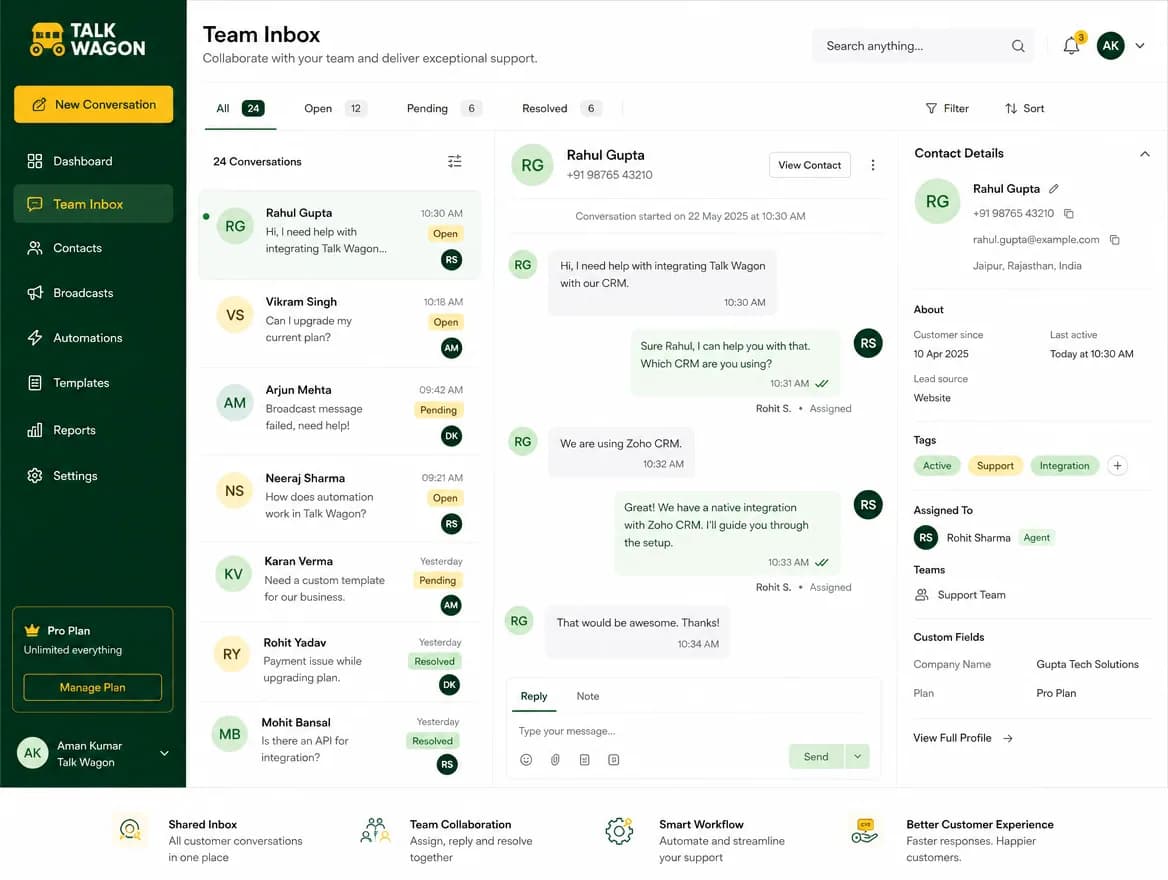
Manage customer messages in one WhatsApp team inbox with agents, assignments, conversation history, and permission-based access.
Explore WhatsApp Team InboxProduction-ready WhatsApp CRM for sales, support, broadcasts, and AI automation.
Built for Meta WhatsApp Cloud API style workflows
Use Talk Wagon as a WhatsApp CRM to manage customer conversations, contacts, team agents, approved template broadcasts, automated follow-ups, and sales pipelines from one secure workspace.
Built for opt-in sales, support, marketing, and customer follow-up workflows.
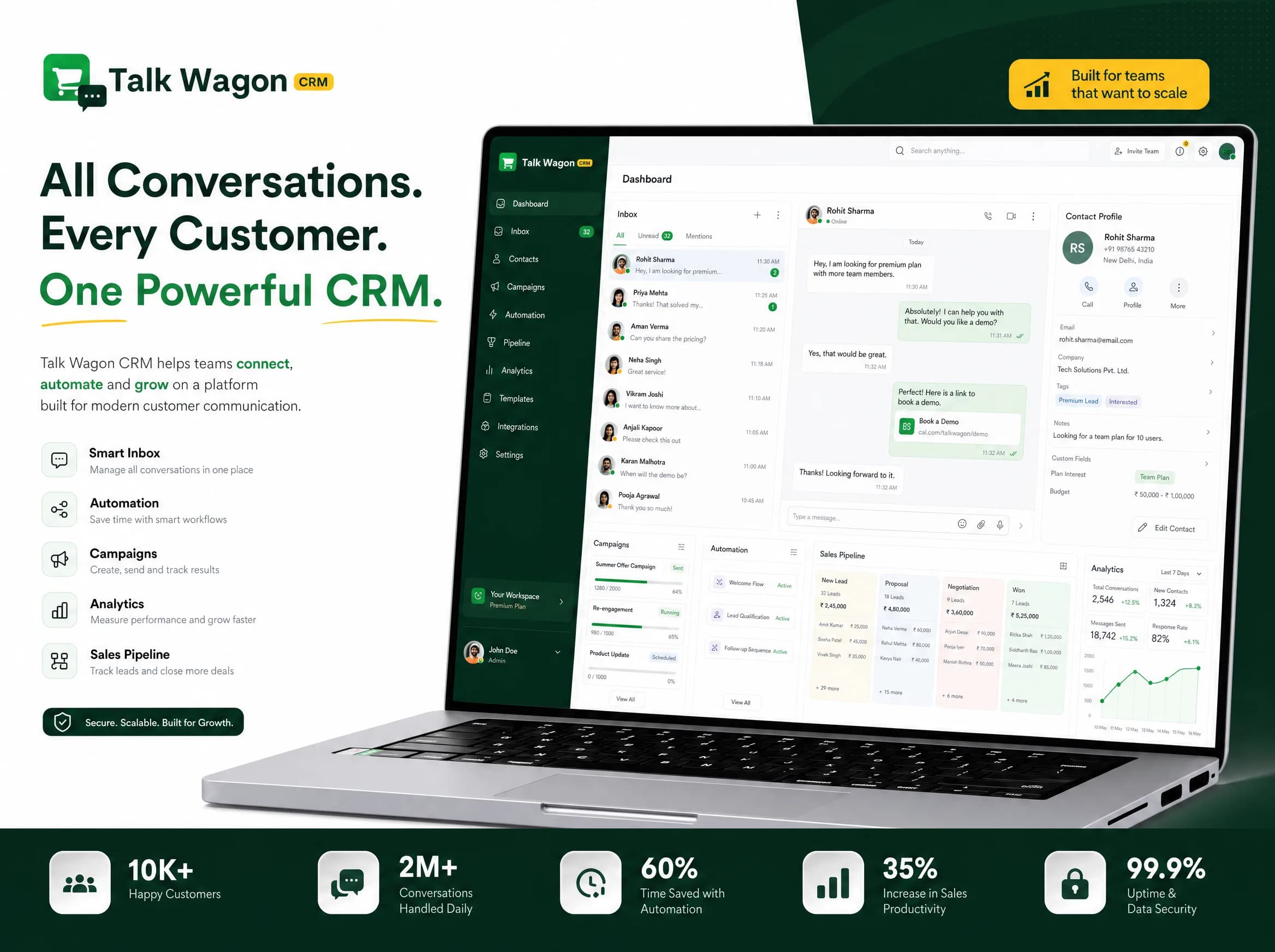
Start with customer conversations, organize contact records, assign agents, send approved template campaigns, automate follow-ups, and track every lead through your sales pipeline.
Customer conversation management
Replace scattered tools with one organized WhatsApp CRM built for conversations, contacts, broadcasts, automations, and team workflows.
Manage customer messages in one WhatsApp team inbox with agents, assignments, conversation history, and permission-based access.
Explore WhatsApp Team Inbox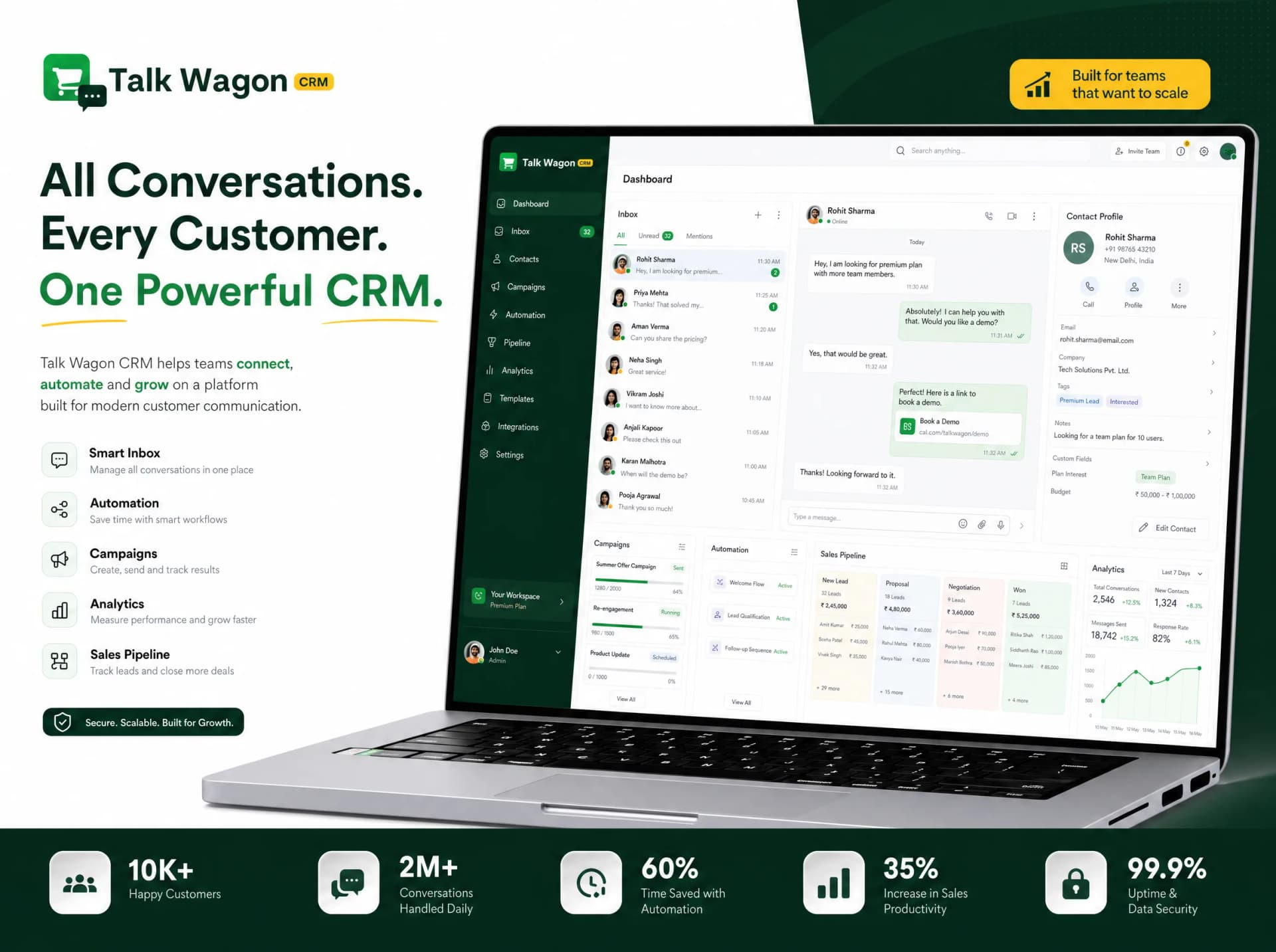
Import, organize, search, paginate, select, and bulk manage contacts inside secure workspace-based accounts.
Explore Contact Management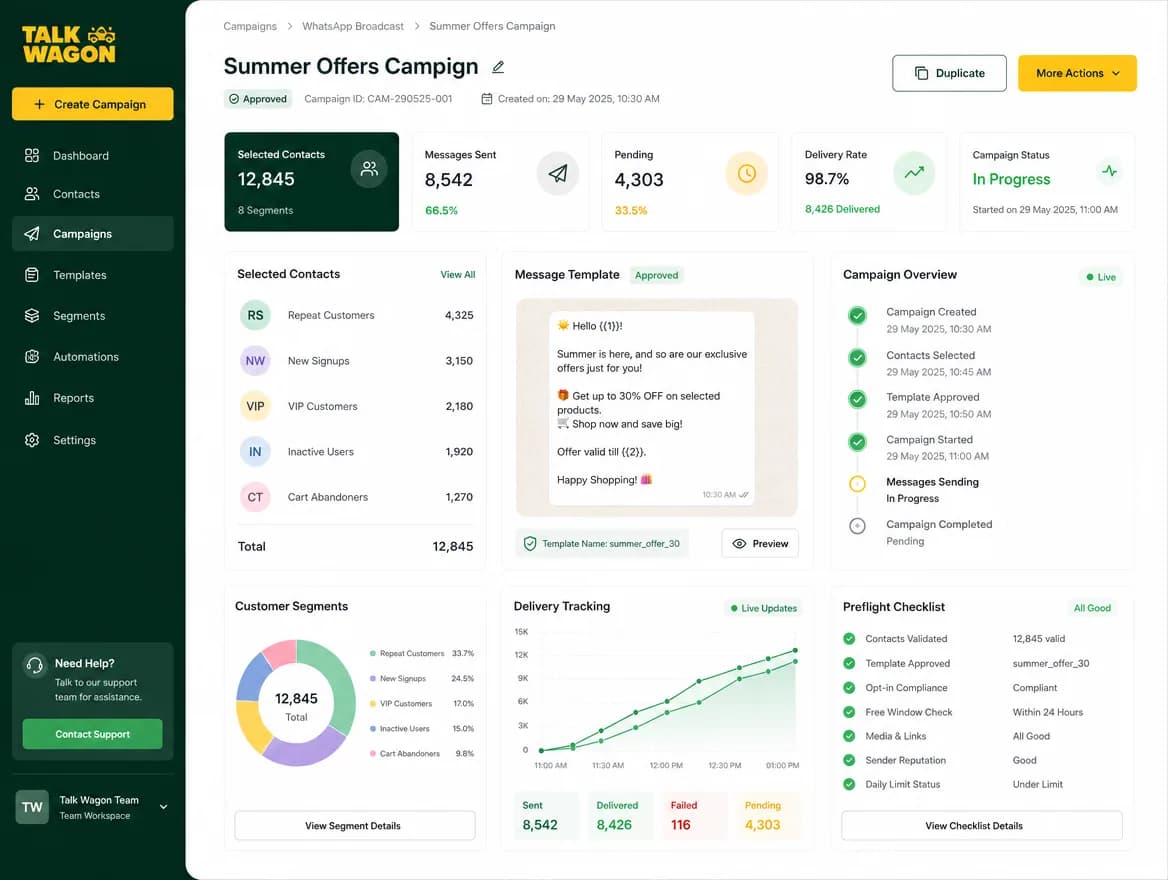
Send approved WhatsApp broadcast message campaigns to selected contacts and track delivery workflow status from the CRM.
Explore Broadcast Campaigns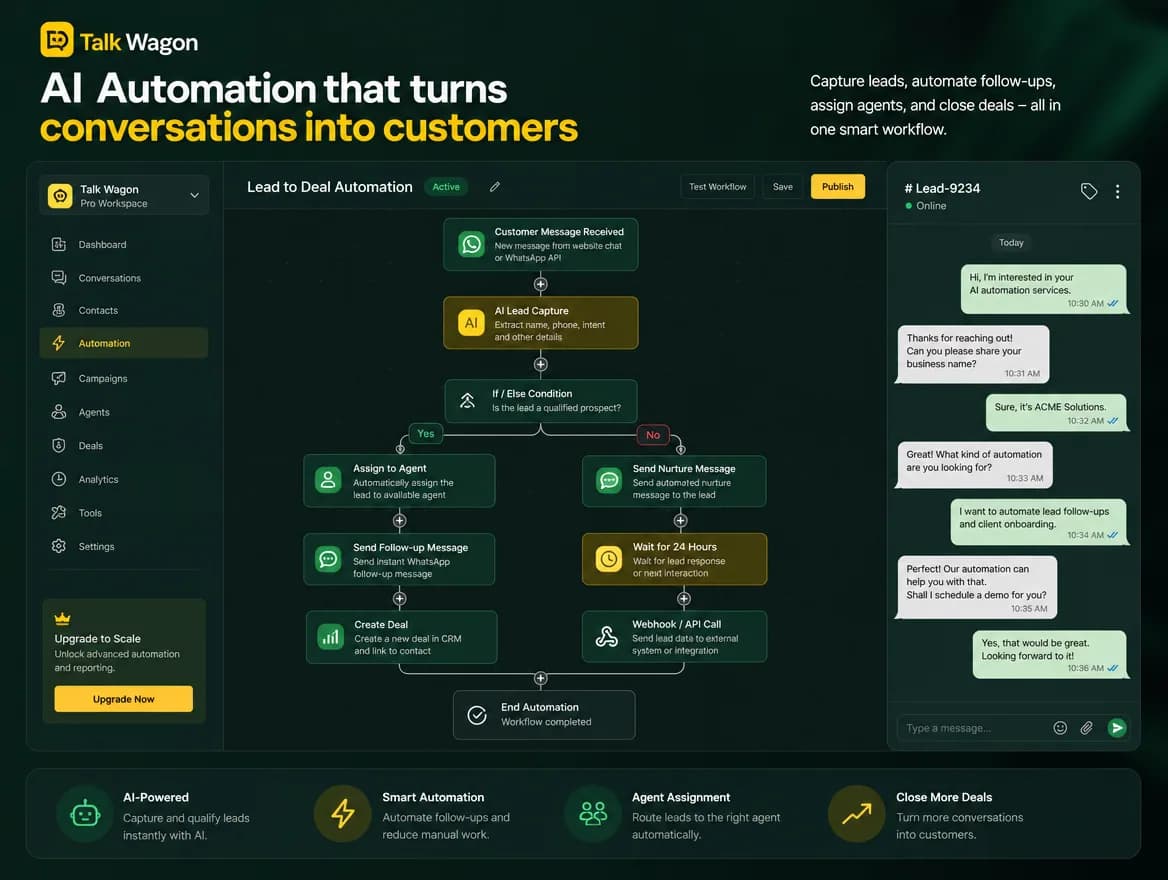
Automate repetitive follow-ups, lead routing, status updates, webhooks, and customer communication tasks.
Explore AI Workflow Automation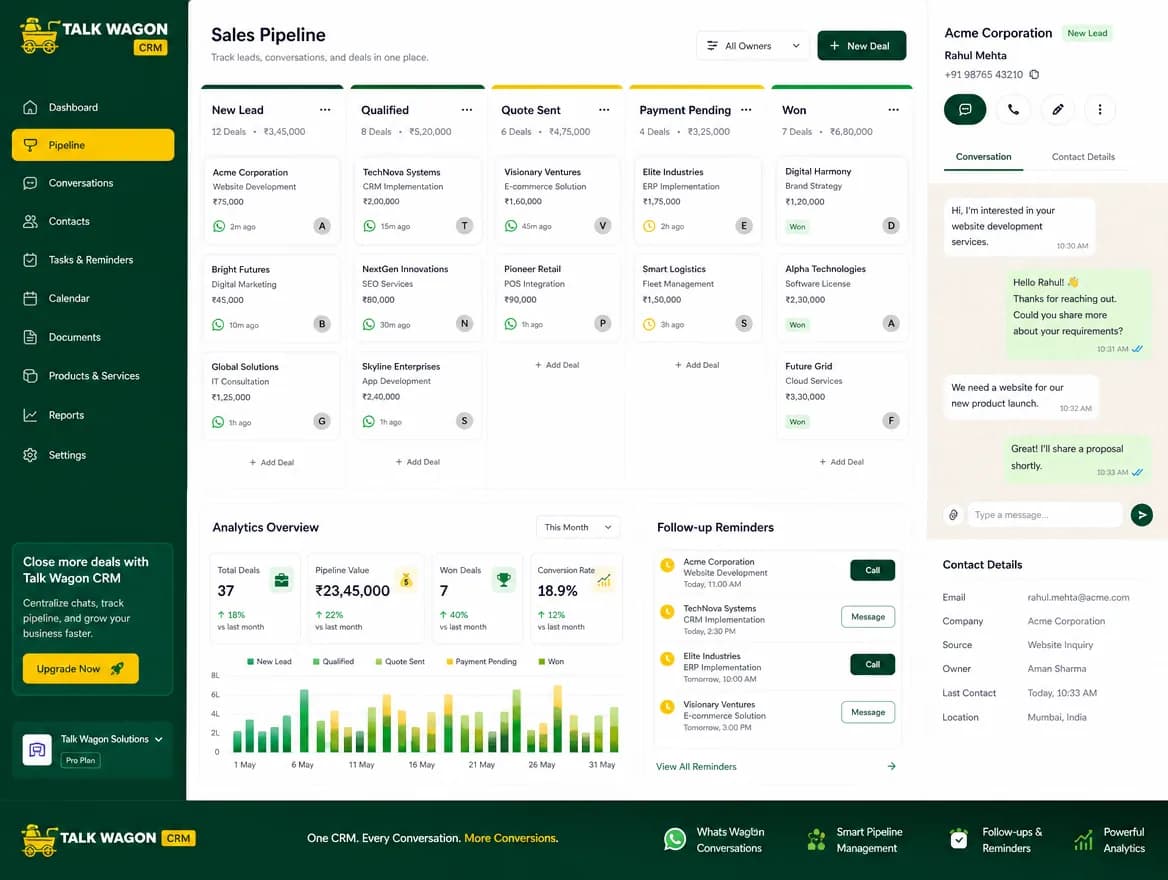
Track leads, deals, follow-ups, and customer stages from one simple sales pipeline CRM connected to conversations.
Explore Sales PipelineCreate team agents, force first-login password changes, assign permissions, and control what each member can view or manage.
Explore Role-Based Team AccessWhatsApp workflow automation
Build WhatsApp workflows for welcome messages, no-reply follow-ups, contact updates, deal creation, agent assignment, webhooks, and customer lifecycle automation.
Explore automation features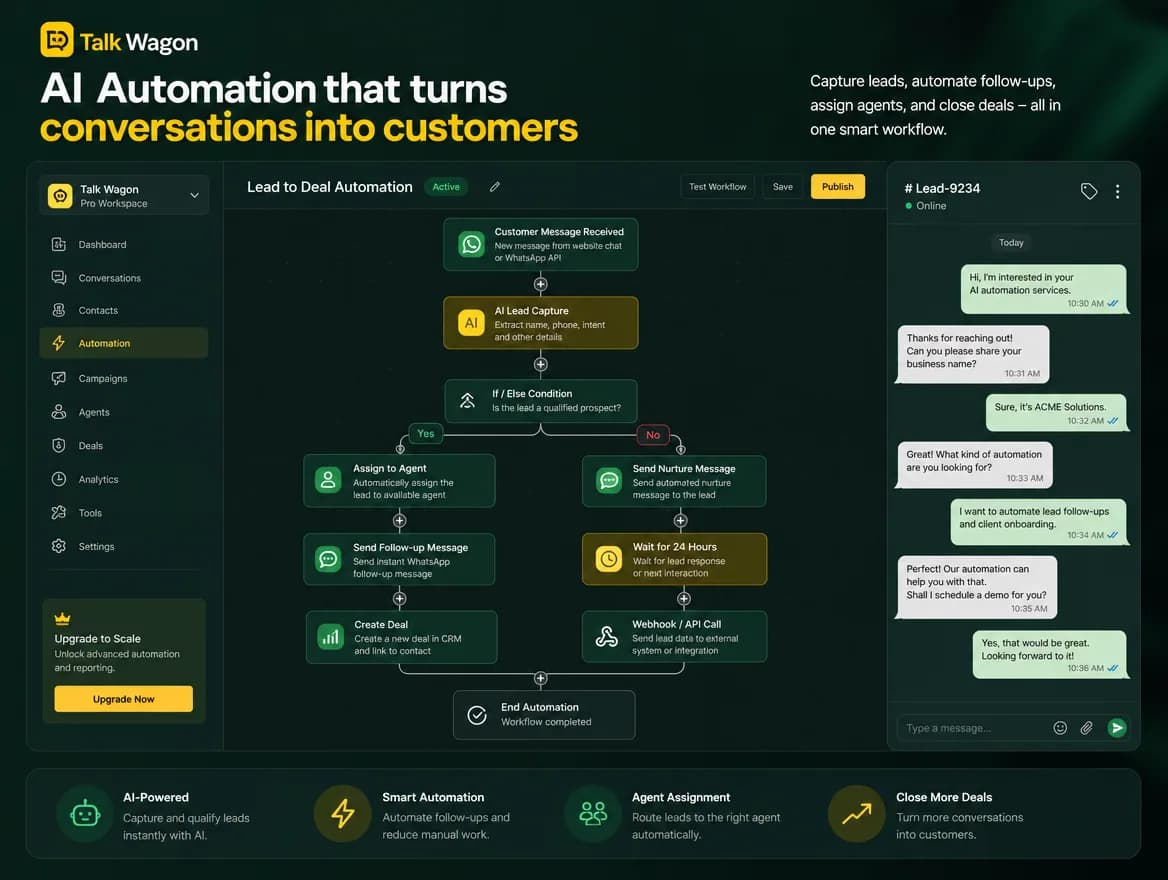
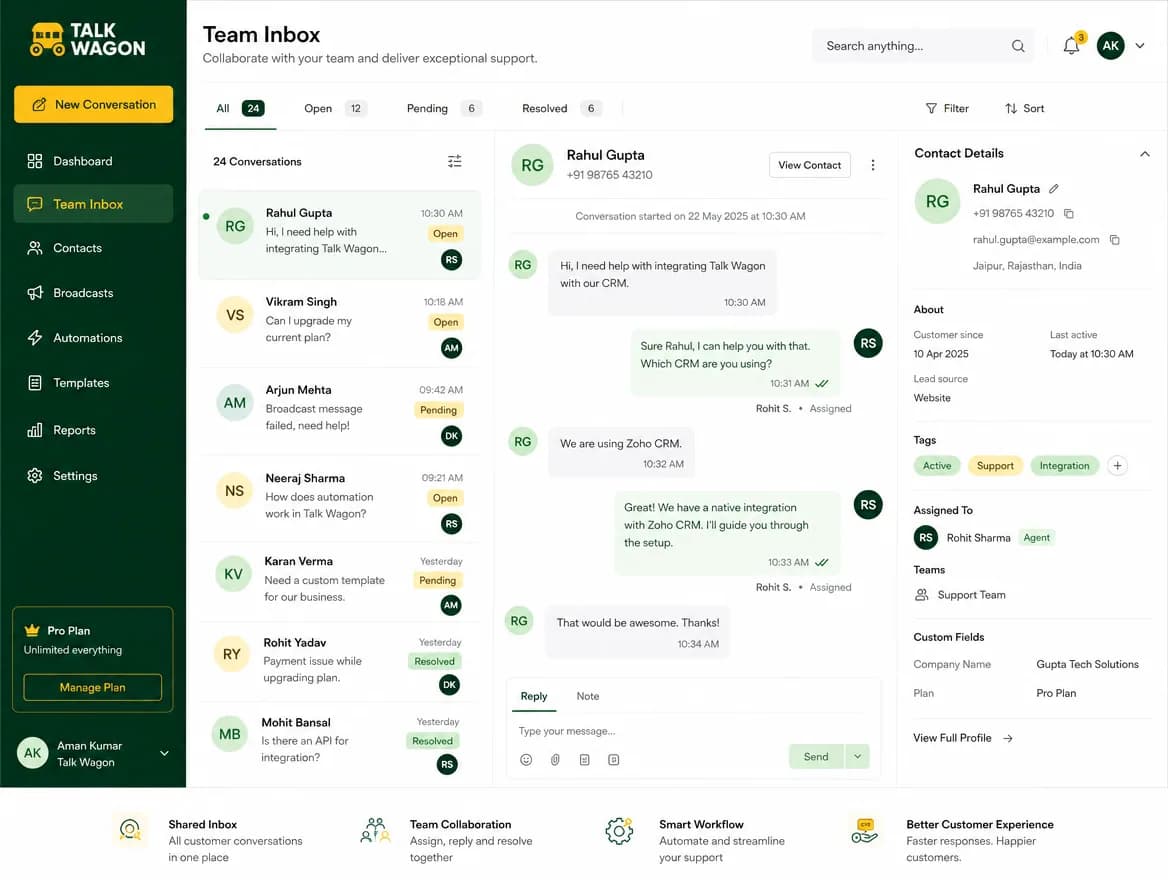
Shared inbox for WhatsApp
Give agents a permission-based workspace where they can manage assigned conversations, update contacts, follow up with customers, and collaborate without exposing sensitive admin settings.
Learn about the team inboxWhatsApp broadcast CRM
Prepare template-based campaigns, select the right contacts, estimate sending workflow, track sent status, and keep customer communication organized inside the CRM.
Explore broadcast campaigns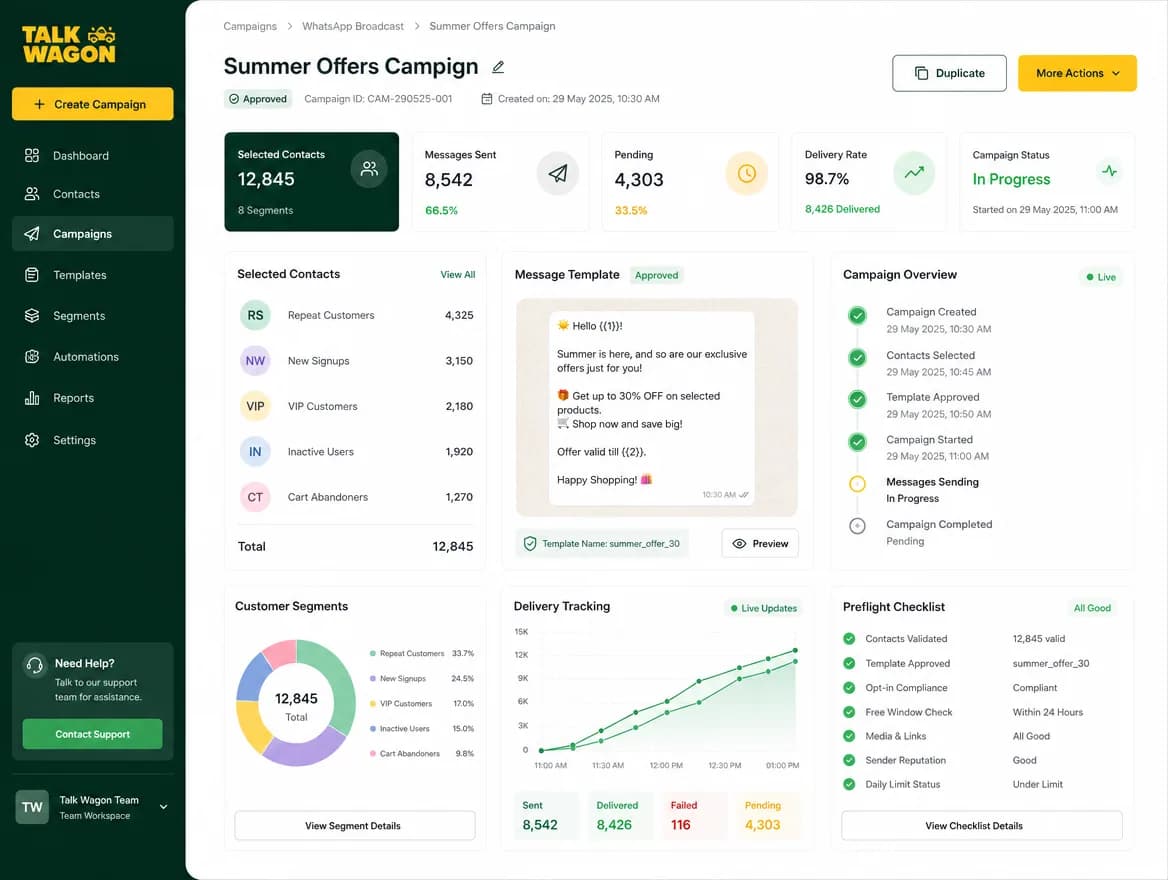
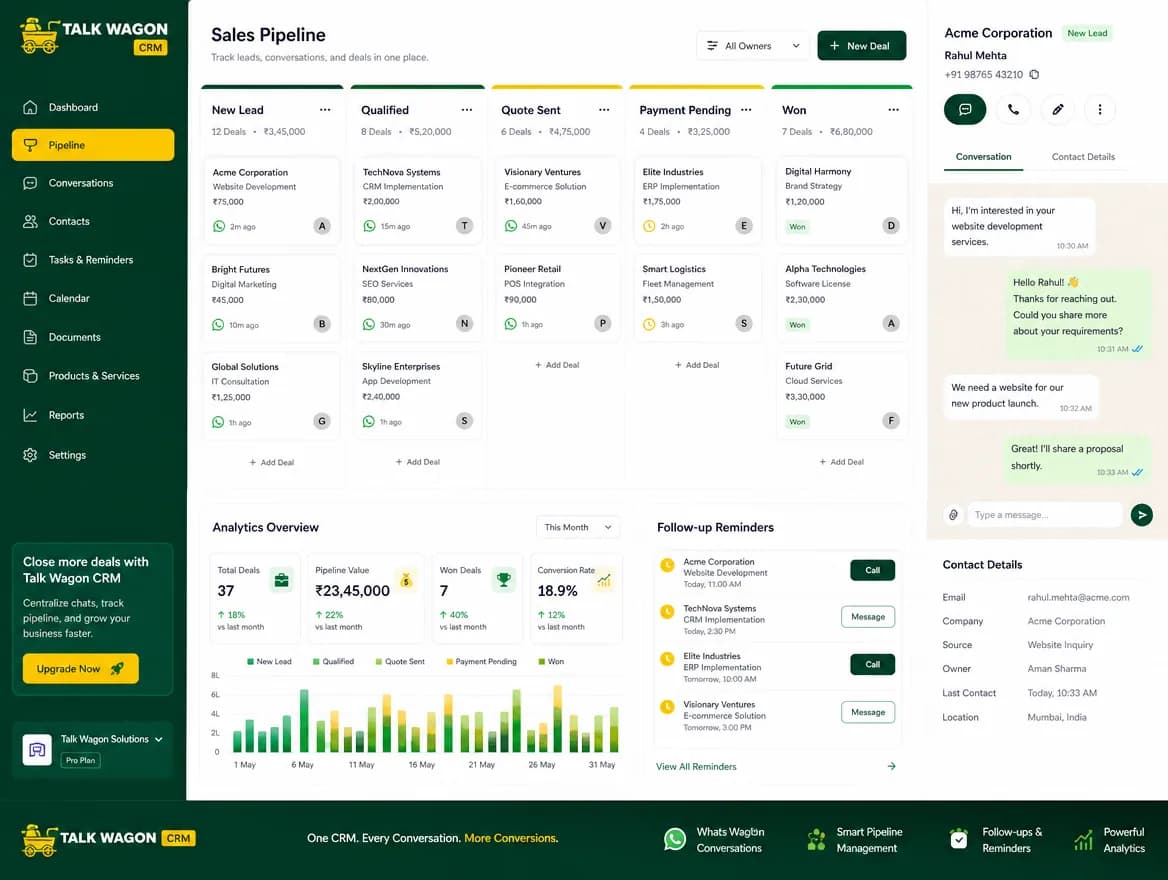
WhatsApp sales automation
Move leads from first message to follow-up, deal stage, conversion, or lost status. Keep your WhatsApp customer journey visible from contact to close.
See sales pipeline featuresPricing preview
Choose the CRM workflow level that matches your current business stage. Full pricing details can be added when your commercial plans are ready.
For small teams
Manage contacts and customer conversations in one WhatsApp CRM software workspace.
For growing businesses
Add agents, role-based permissions, broadcasts, templates, and sales pipelines.
For workflow-focused teams
Use WhatsApp workflow automation, AI automation planning, and follow-up workflows.
Questions
A WhatsApp CRM, or WhatsApp CRM software, helps businesses organize customer conversations, contacts, team agents, broadcasts, follow-ups, and sales activity in one dashboard.
Yes. The CRM supports team agents, role-based permissions, shared workspace access, and conversation assignment workflows.
Yes. You can prepare contact lists and send approved WhatsApp template-based campaigns while keeping customer data organized.
Yes. It is built for follow-up automation, workflow triggers, customer updates, agent assignment, and AI-powered automation planning.
Yes. Sales teams can manage leads and pipelines, support teams can handle customer conversations and follow-ups, and other businesses can adapt the same workspace to their customer communication process.
Bring conversations, contacts, broadcasts, agents, automations, and pipelines into one production-ready WhatsApp CRM dashboard.