WhatsApp Commerce: What It Is and How It Works
WhatsApp commerce is the use of WhatsApp business messaging to help customers discover products or services, ask questions, browse catalog information, make buying decisions, receive safe next steps, and continue support in the same conversation.
This guide explains the customer journey, WhatsApp shop and catalog concepts, Business App versus Business Platform workflows, policy considerations, and the team processes that keep commerce conversations organized.
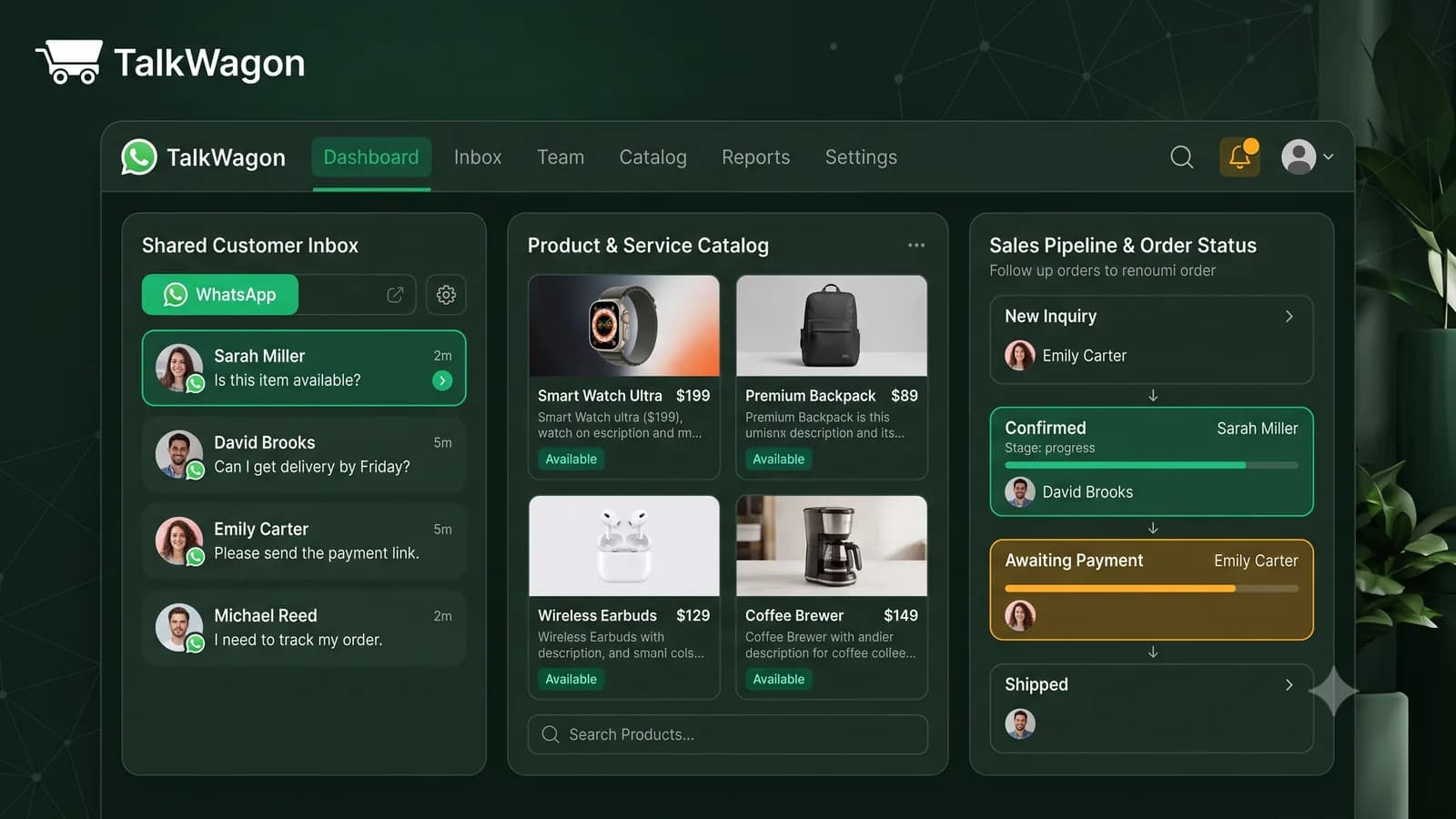
The simplest way to understand WhatsApp commerce is this: the chat becomes part of the buying journey. A customer does not only send a support question. They may ask what is available, compare options, request payment instructions, confirm an order, ask about delivery, and come back for help later. The business needs a workflow for all of that, not just a phone with incoming messages.
Definition
What WhatsApp commerce means
WhatsApp commerce is not one single button or one single feature. It is a set of business messaging practices that help a customer move from interest to decision through WhatsApp. For some businesses, that may be as simple as a catalog and a person answering questions. For larger teams, it may include approved templates, platform integrations, contact records, automated routing, and a shared inbox.
It is also different from plain marketing. Marketing may bring the customer into the conversation, but commerce has to answer practical buying questions: what is available, what does it cost, what are the terms, how does payment work, when will the customer receive the product or service, and who helps if something goes wrong?
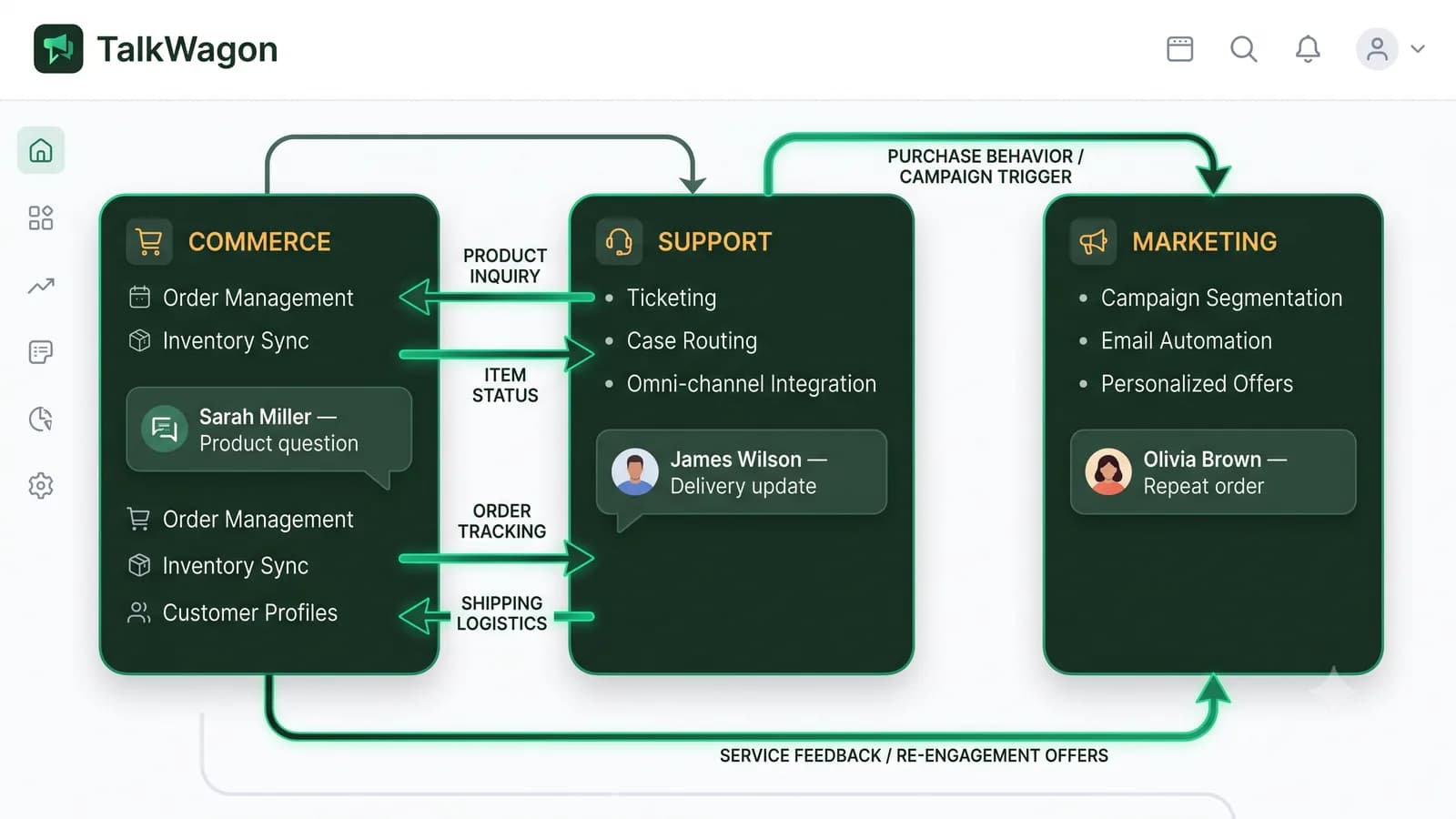
Business profile and catalog
A clear profile and catalog make it easier for customers to understand what you offer before the conversation becomes long.
Conversation context
The buying journey happens in messages. Agents need the customer question, previous replies, order notes, and next step in one place.
Team ownership
Commerce chats can involve sales, billing, operations, support, and management. Someone must own each handoff.
Automation with restraint
Automations can tag, route, wait, and follow up, but sensitive buying decisions still need human review.
Safe payment communication
Payment instructions should be clear, but customers should never be asked to send passwords, OTPs, full card data, or verification codes in chat.
Policy and eligibility checks
Products and services must be eligible under WhatsApp commerce and messaging policies before a business promotes them through WhatsApp.
Journey
How a WhatsApp commerce customer journey works
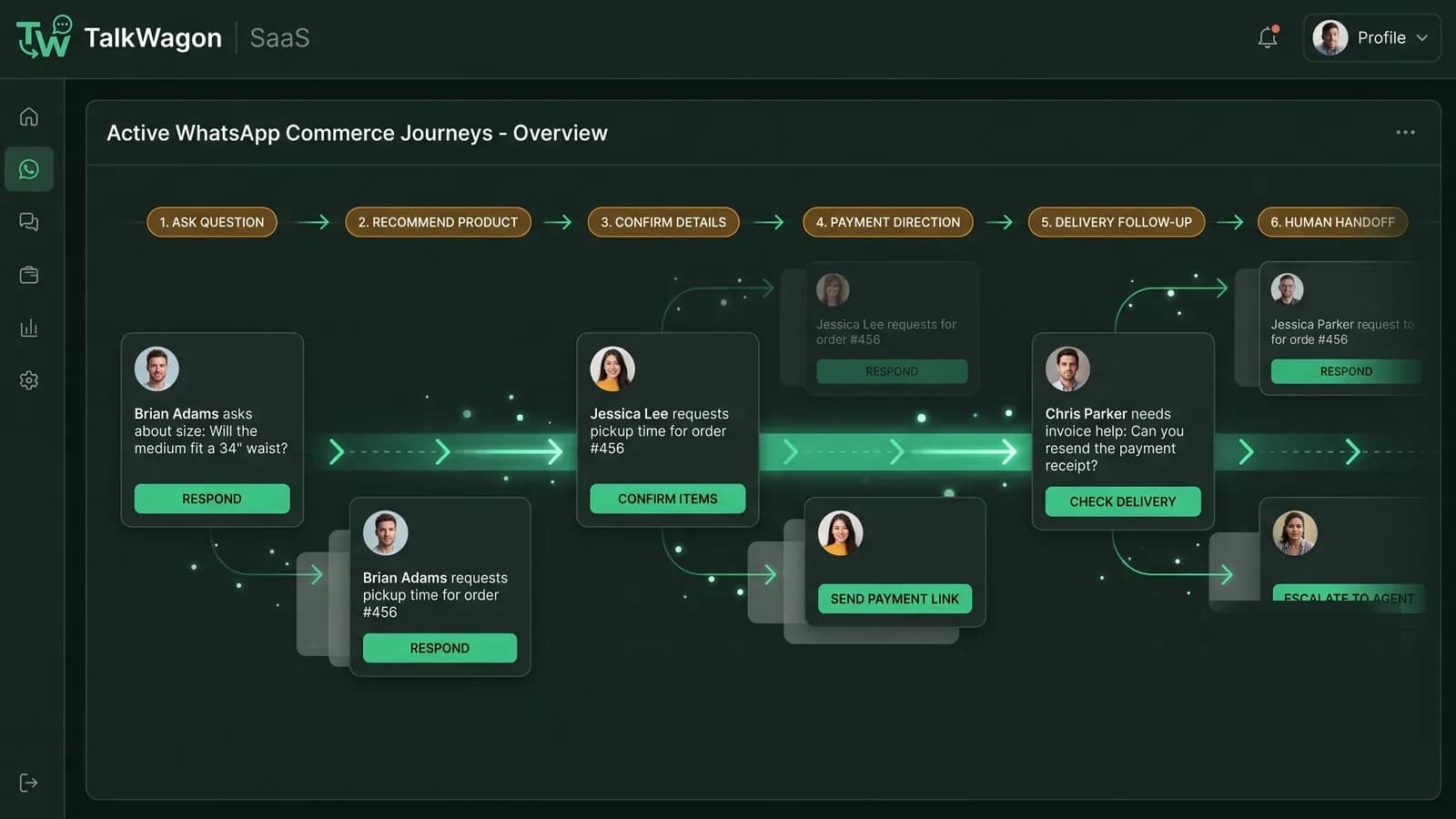
A useful commerce journey is not just “customer asks, business replies.” It is a chain of decisions and handoffs. Each step should make the next step clearer for the customer and easier for the team to track.
Discovery
A customer finds the business through the website, a QR code, an ad, a referral, a catalog link, or an existing conversation.
Enquiry
The customer asks about availability, price, delivery, booking slots, service fit, or the difference between options.
Selection
The business shares catalog items, product details, service packages, images, or a short recommendation based on the customer's need.
Order direction
The team confirms what the customer wants, clarifies terms, and gives the next safe step for checkout, invoice, booking, or manual payment.
Updates
The customer receives confirmation, delivery, appointment, or service-progress messages when those updates are accurate and allowed.
Support and repeat business
After the sale, the same conversation can continue into support, returns, questions, renewals, and future follow-up.
Catalog
WhatsApp shop and catalog concepts
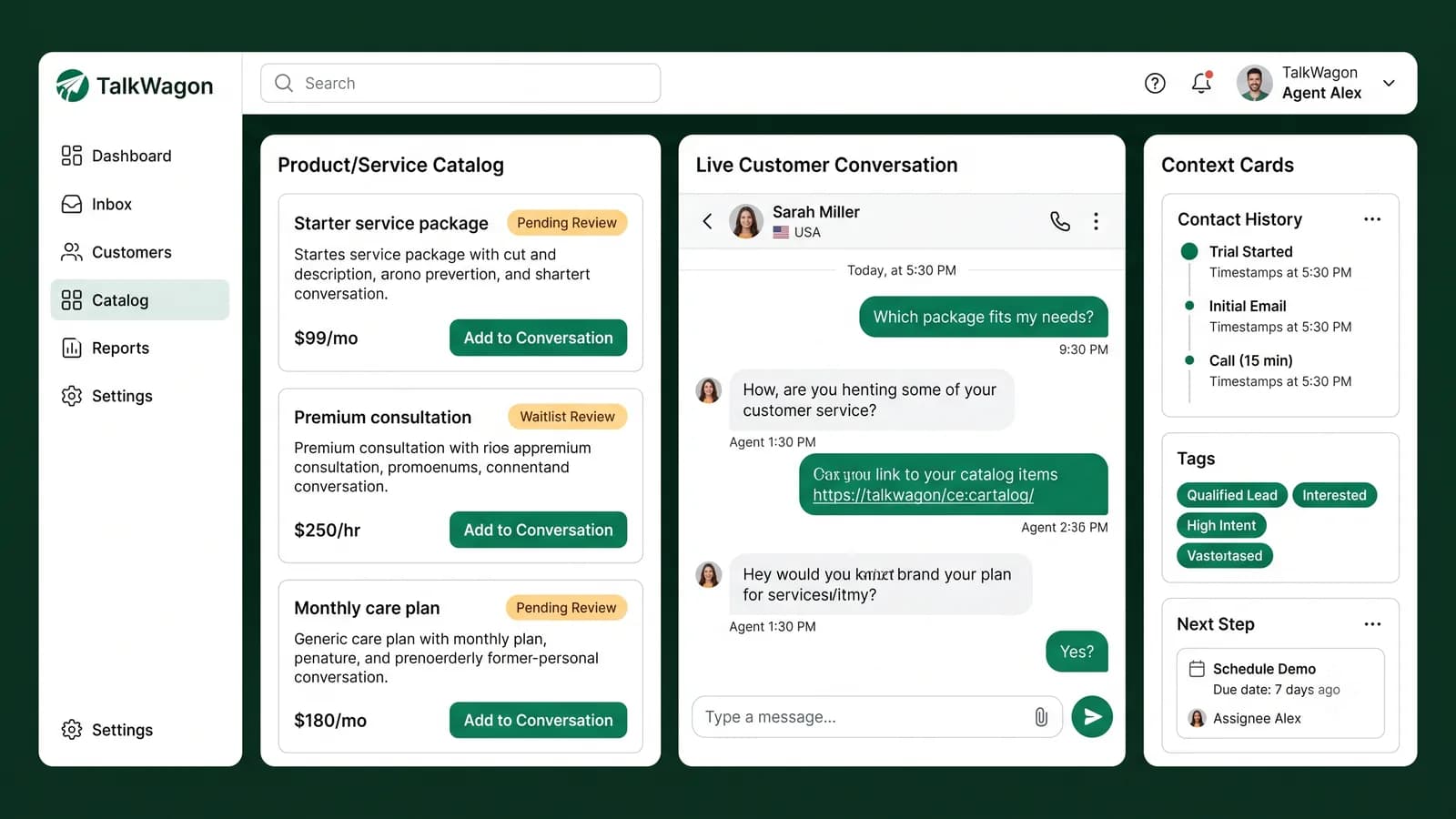
Many people use “WhatsApp shop” casually to describe selling through WhatsApp. The more precise concept is the WhatsApp Business catalog: a way for a business to showcase products or services so customers can browse and ask about them. Official catalog features can include product or service details and collections, depending on the business setup and available tools.
A catalog is helpful because it reduces repeated explanations. Instead of typing the same product list in every chat, the business can point customers to a structured set of items. But a catalog is not a full operating system. The team still needs to confirm availability, handle questions, explain delivery or service terms, and keep conversation history organized.
| Approach | What it is good for | What still needs process |
|---|---|---|
| Catalog-assisted chat | Helping customers browse items or services before asking questions. | Availability, pricing context, delivery terms, and handoff ownership. |
| Traditional ecommerce checkout | Structured self-service purchase flows on a website or app. | Pre-sale questions, special requests, post-purchase support, and abandoned conversations. |
| CRM-supported commerce | Keeping the customer, conversation, assignment, and follow-up in one workspace. | Correct product data, safe payment handling, and policy-compliant messaging. |
Setup choices
WhatsApp Business App versus WhatsApp Business Platform workflows
The WhatsApp Business app and WhatsApp Business Platform are not the same operating model. The app is often enough for simpler owner-led communication. The platform is built for more advanced business messaging, integrations, approved templates, and systems that need multiple users or software workflows.
| Area | WhatsApp Business App | WhatsApp Business Platform |
|---|---|---|
| Typical fit | Small businesses that manage conversations from the WhatsApp Business app. | Teams that need multiple agents, integrations, approved templates, CRM context, automation, and reporting. |
| Catalog workflow | Create and manage catalog items in the app tools available to the business. | Connect catalog and product-message workflows through Meta Business assets and approved platform integrations. |
| Team operation | Best for simpler ownership where one or a few people handle messages directly. | Better suited for shared inboxes, assignment, permissions, routing, and audit-friendly follow-up. |
| Automation | Limited to app-level business tools such as greeting, away, and quick replies. | Can support structured workflow logic, approved template messaging, integrations, and handoff processes. |
| Risk to manage | Conversations can become hard to track as volume grows. | Requires correct setup, policy compliance, template quality, and responsible data handling. |
Team inbox
Commerce conversations need clear team responsibilities
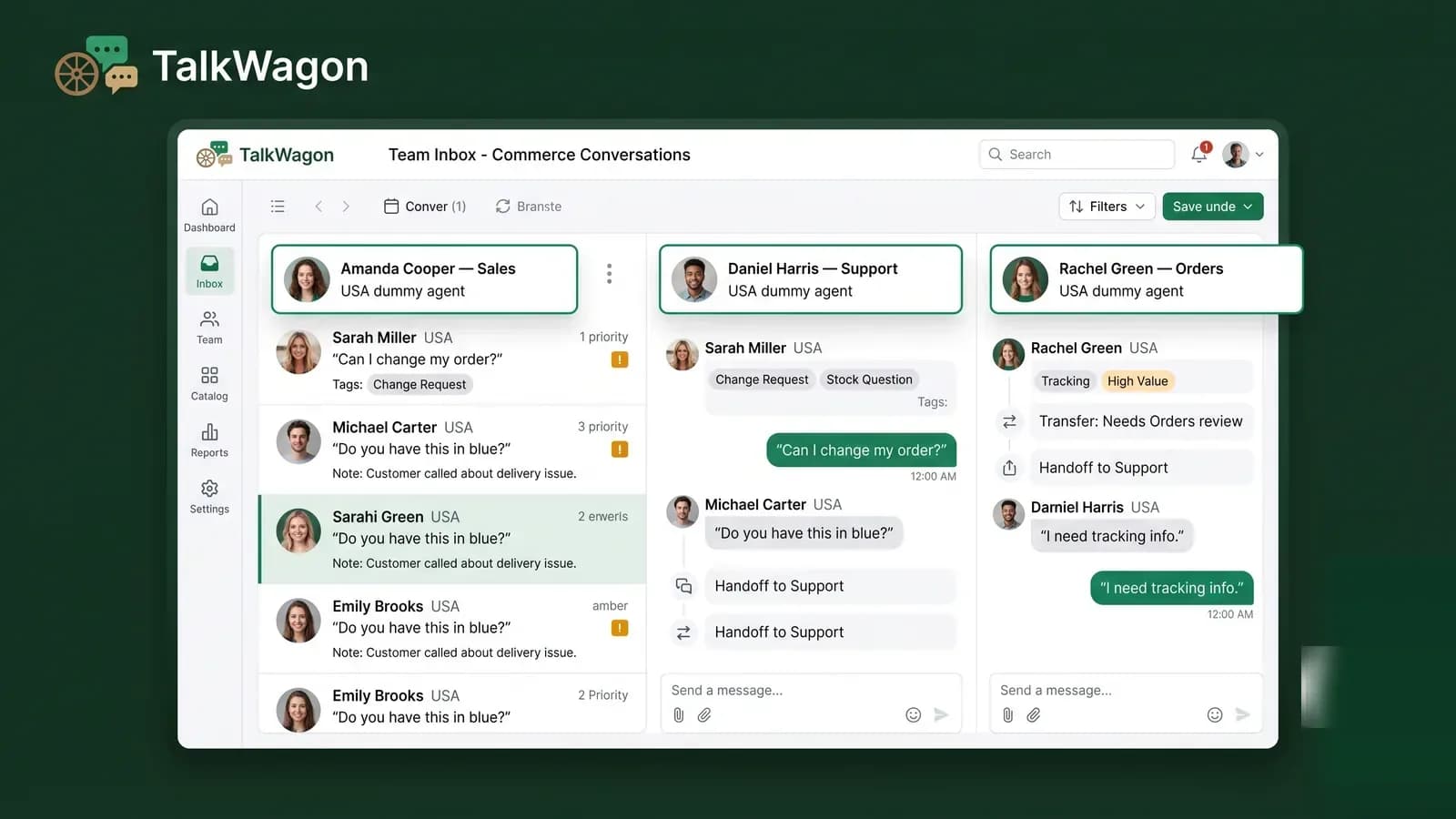
In a small business, one person may answer every message. As volume grows, that breaks down. The same customer can ask a sales question, request a payment link, ask for delivery information, and then need support. If each handoff happens in someone's memory, the customer feels the gaps.
A WhatsApp team inbox helps by giving conversations an owner. Sales can qualify the request, operations can handle order status, support can answer issues, and a manager can review escalations. The point is not to make the workflow complex. The point is to make responsibility visible.
Automation
Human-led conversations versus automation
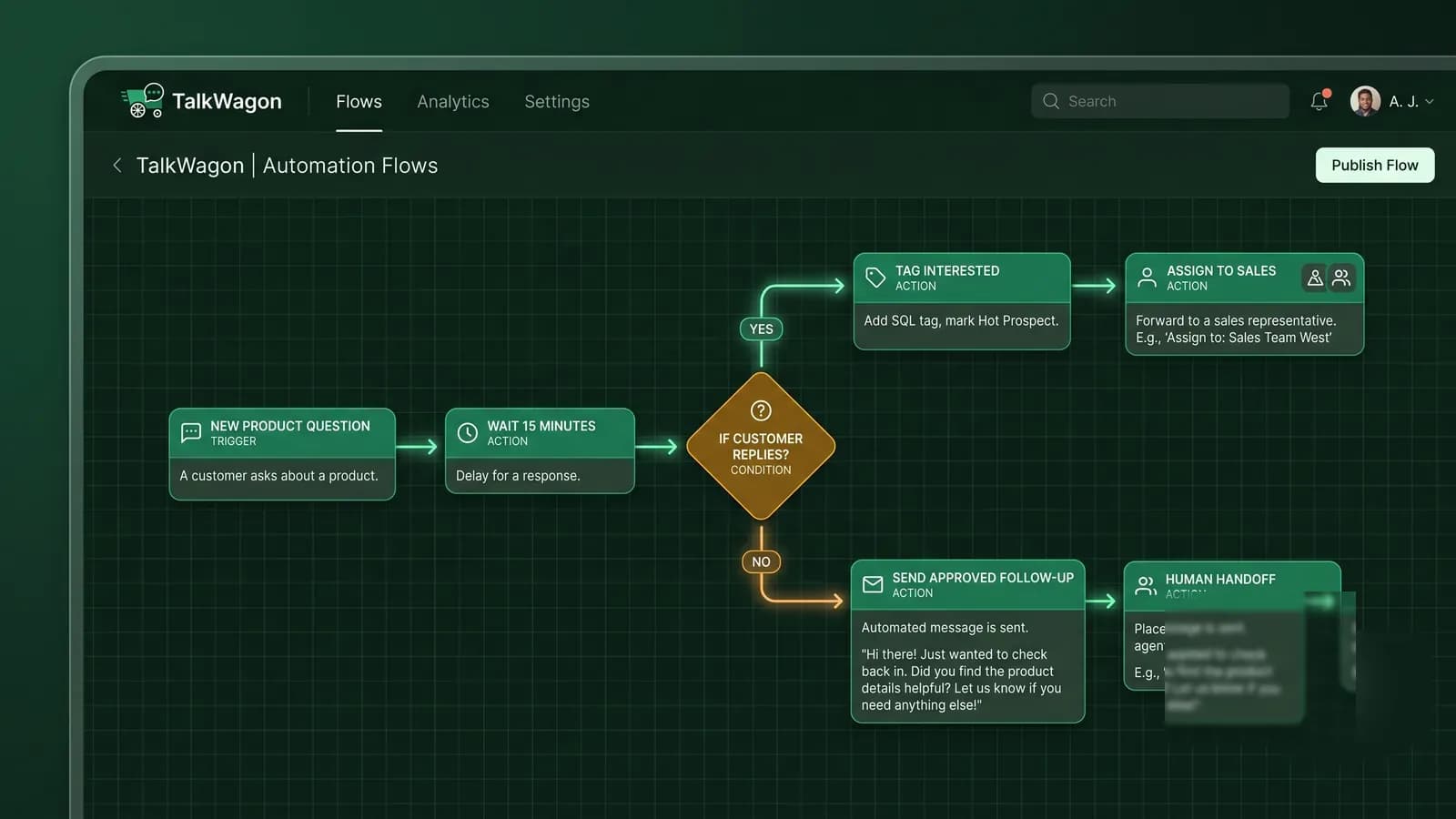
Automation can improve a WhatsApp commerce workflow when it handles repeatable structure: tagging a new product question, assigning a conversation, sending a safe follow-up, waiting before a reminder, or routing a customer to the right team. It becomes risky when it pretends to understand context that should be reviewed by a person.
A practical rule: automate organization and low-risk next steps, but keep a human path for pricing exceptions, refunds, complaints, sensitive details, and anything that affects the customer's money, account, or access.
Safety
Policy, eligibility, privacy, and payment communication
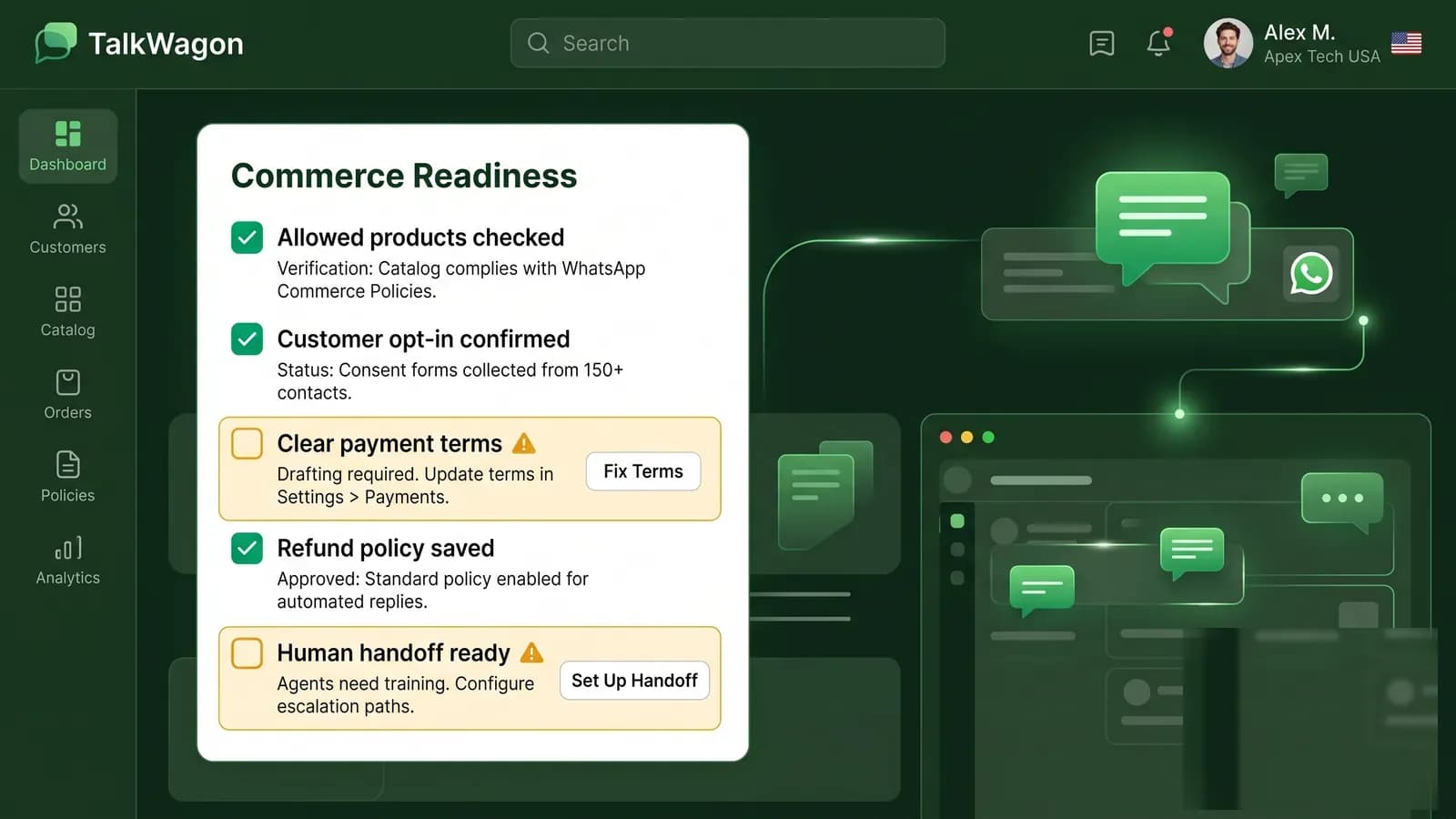
WhatsApp commerce must be built inside the rules of WhatsApp Business messaging and commerce policies. Businesses should check whether their products or services are allowed before promoting or selling them through WhatsApp. They should also keep account information accurate and avoid messaging practices that create spam or quality problems.
Payment communication needs special care. A business can explain payment steps or send a secure payment link, invoice, or approved checkout route. It should not ask customers to send passwords, OTPs, full payment-card information, bank login details, verification codes, or private credentials through chat.
Safe chat rule
Use WhatsApp to guide the customer, not to collect sensitive credentials. If a step involves payment, identity, or account access, direct customers to a secure process and explain what information they should never share in chat.
Examples
Practical WhatsApp commerce examples by business type
WhatsApp commerce is not only for ecommerce stores. Any business that discusses services, availability, packages, appointments, or purchase decisions in chat can benefit from a more organized commerce workflow.
Local service business
A customer asks whether a repair service is available this week. The team checks location, service type, time window, and then books or hands off to the right person.
Ecommerce store
A shopper asks about size, color, delivery, and return terms. The team shares catalog items, confirms availability, and sends safe checkout instructions.
Clinic or appointment team
A patient asks about a service. The team explains the booking path and avoids collecting sensitive medical or payment credentials in chat.
Course provider
A lead asks about curriculum, schedule, price, and enrollment. The conversation becomes a qualification and follow-up workflow.
Agency or B2B service
A prospect asks which package fits their goal. The team gathers requirements, tags the lead, assigns a sales owner, and follows up after the proposal.

TalkWagon workflow
Where TalkWagon fits
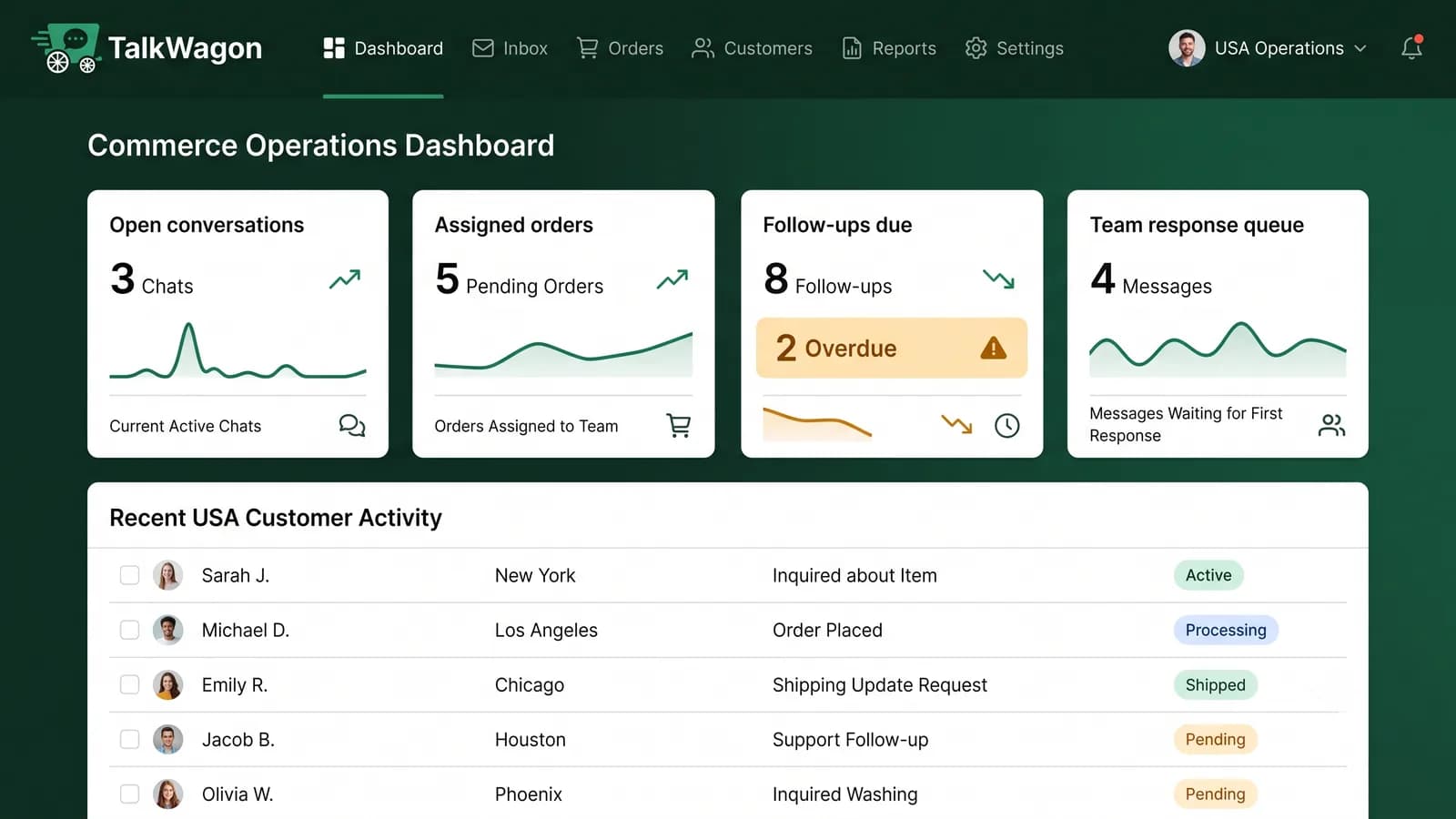
TalkWagon helps teams manage the operational layer around WhatsApp commerce: shared inbox ownership, contact history, pipeline follow-ups, approved broadcast workflows, automations, visual flows, AI answers from approved business knowledge, and human handoff. It does not replace a business's responsibility for accurate product data, payment security, policy compliance, or customer service judgment.
If your team is already using WhatsApp for sales conversations, the commercial next step is the WhatsApp sales workflow. If you are still setting up the customer-response layer, start with the team inbox, automation, and visual flows pages.
Mistakes
Common WhatsApp commerce mistakes to avoid
Most commerce problems are not caused by WhatsApp itself. They come from unclear ownership, outdated information, unsafe payment wording, or trying to automate sensitive decisions too early.
Checklist
WhatsApp commerce launch checklist
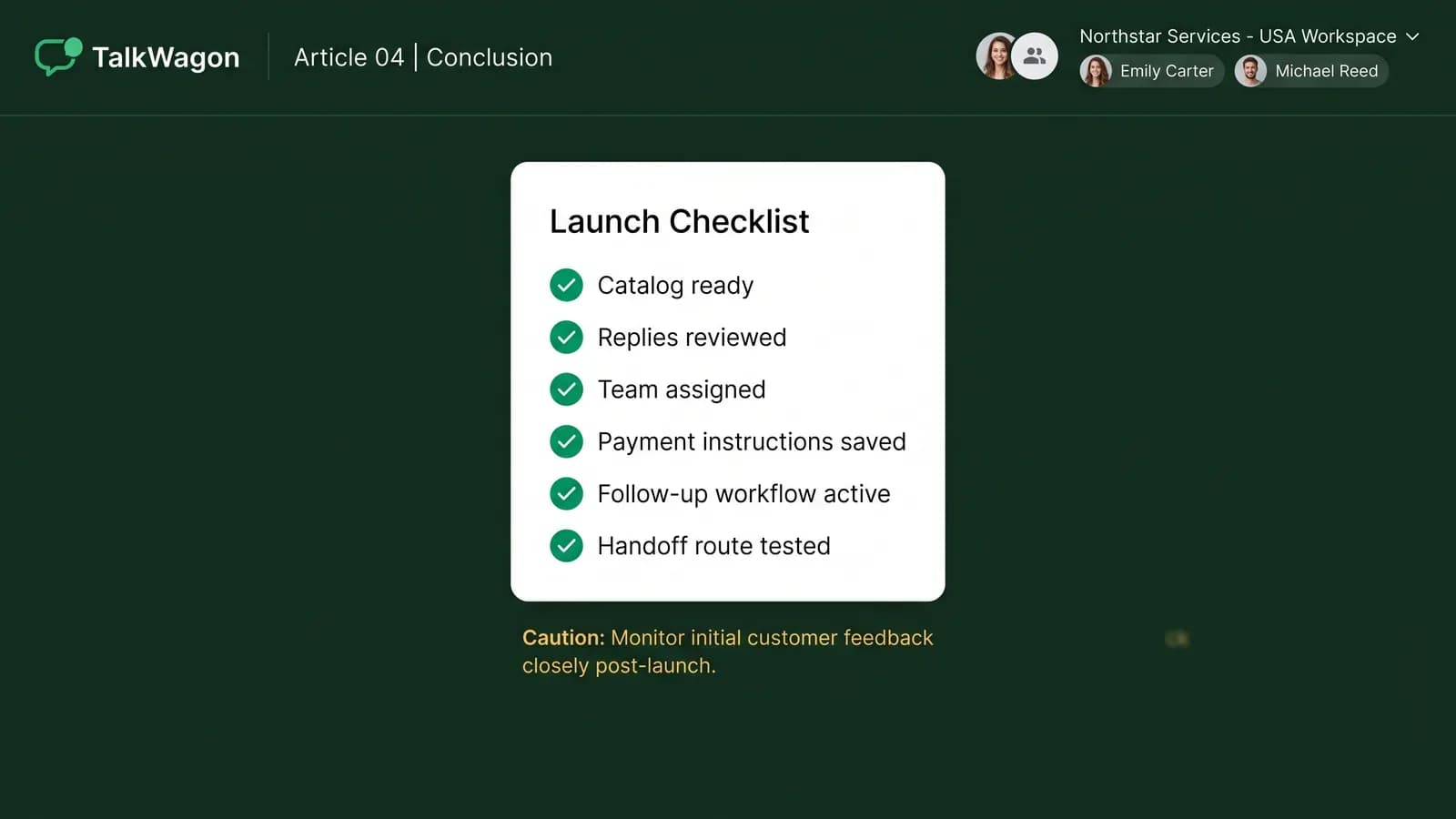
Before you invite more customers into WhatsApp buying conversations, make sure the workflow is ready. A small, reliable setup is better than a noisy channel that no one owns.
- Confirm that products or services are eligible under WhatsApp commerce and messaging policies.
- Prepare a clean catalog or service list with accurate descriptions, availability, and terms.
- Write safe replies for product questions, payment instructions, delivery updates, refunds, and handoff.
- Define who owns sales, support, order updates, billing questions, and escalations.
- Set rules for what information customers should never send in chat.
- Create tags, stages, or pipeline steps for open enquiries and follow-ups.
- Test the journey from first question to post-purchase support before inviting real traffic.
FAQs
Helpful FAQs about WhatsApp commerce
What is WhatsApp commerce?
WhatsApp commerce is the use of WhatsApp business messaging to help customers discover products or services, ask questions, browse catalog information, make buying decisions, receive payment or order instructions, and continue support or follow-up in the same conversation.
Is WhatsApp commerce the same as an online store?
No. A traditional online store usually centers on a website checkout. WhatsApp commerce is more conversational: the customer may browse a catalog, ask questions, receive guidance, and complete the next step through a link, invoice, booking flow, or approved business process.
What is a WhatsApp catalog?
A WhatsApp catalog is a business tool that lets a business showcase products or services so customers can browse items and ask questions inside WhatsApp. Catalog behavior and availability can vary by business setup, region, and the tools being used.
Do all products qualify for WhatsApp commerce?
No. Businesses should review WhatsApp commerce and messaging policies before offering goods or services through WhatsApp. Some products, services, or transaction types may be restricted or prohibited.
Should customers send card details or OTPs through WhatsApp?
No. A business should not ask customers to share passwords, OTPs, full payment-card numbers, verification codes, or other sensitive credentials in chat. Use secure payment links, invoices, or approved payment processes instead.
Where does TalkWagon fit in a WhatsApp commerce workflow?
TalkWagon helps teams manage WhatsApp customer conversations, contacts, assignments, automations, visual flows, AI answers from approved knowledge, and human handoff. It supports the team workflow around commerce conversations rather than replacing a business's product, payment, or policy responsibilities.
Conclusion
Build the workflow before you scale the channel
WhatsApp commerce works best when the business treats the chat as a real operating workflow. Catalogs help customers browse. Conversations help customers decide. A team inbox keeps ownership clear. Automation keeps repeatable steps moving. Human handoff protects the moments where judgment matters.
If your team wants to turn WhatsApp sales conversations into a more organized process, start with the questions customers already ask every day. Then build the catalog, replies, assignments, safety rules, follow-ups, and handoffs that make those conversations easier to serve.
Organize WhatsApp commerce conversations in one CRM workspace
TalkWagon helps growing teams manage WhatsApp conversations, contacts, assignments, automations, visual flows, broadcasts, AI answers from approved knowledge, and human handoff.
Explore WhatsApp sales workflows