How to Schedule WhatsApp Messages
Scheduling WhatsApp messages for a business is not just about picking a time. Teams need to know which method fits the job: scheduled broadcasts, away-message schedules, approved templates, reminders, automation, or a human follow-up task.
This guide explains the practical options, current limitations, team workflow checks, and safety rules before you queue a message for customers.
Short answer
Can you schedule WhatsApp messages?
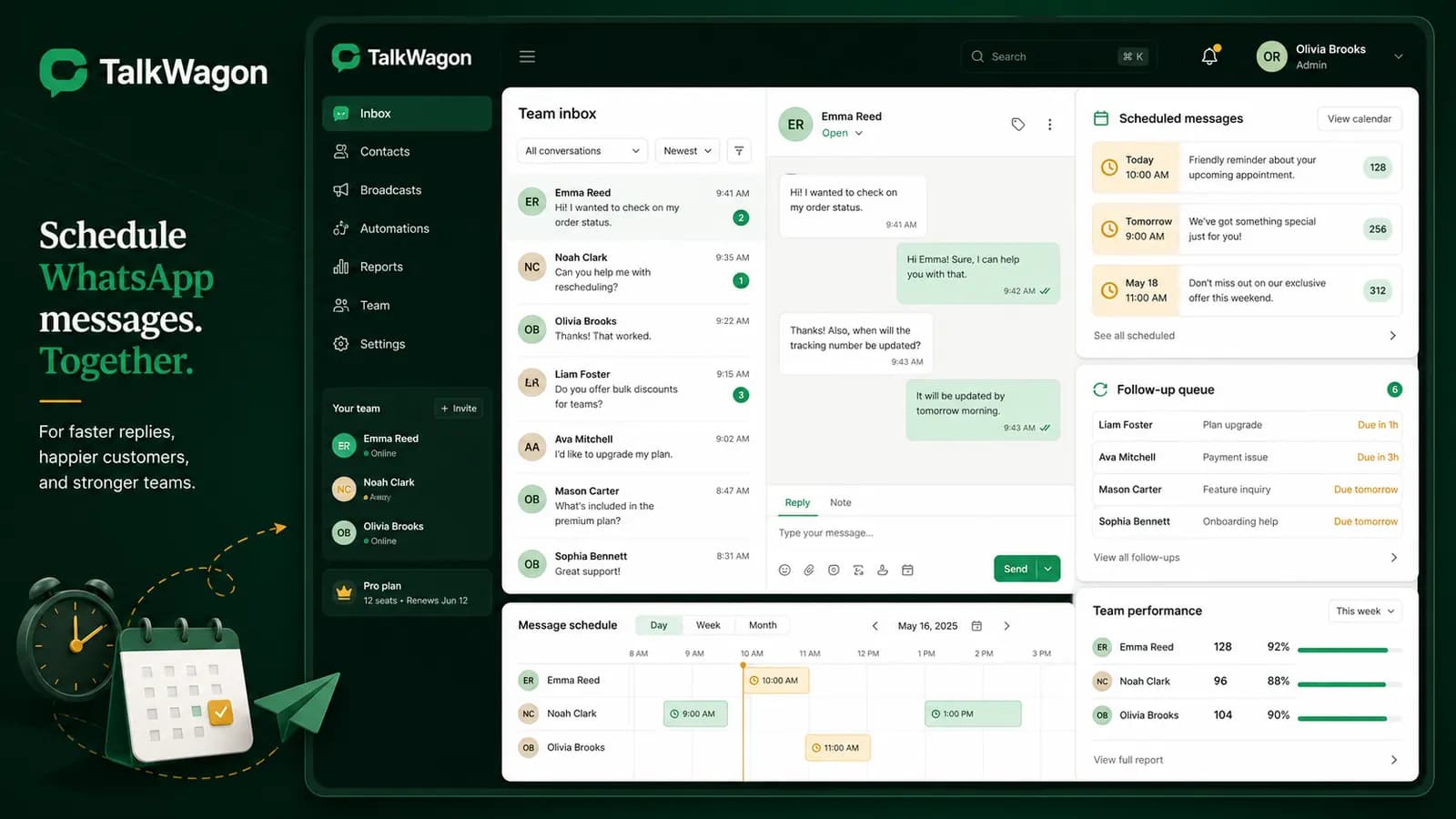
Yes, but the right answer depends on what you mean by "schedule." WhatsApp Business documentation describes scheduling for business broadcasts, and away messages can be sent on a schedule such as outside business hours or a custom schedule. Teams using the WhatsApp Business Platform or a CRM can also plan template campaigns, timed follow-ups, and workflow reminders.
The important point is that a scheduled WhatsApp message should be tied to a clear business reason, the correct customer context, and a responsible owner. Otherwise, scheduling becomes another way to create messy conversations at a faster speed.
For business teams, the safest scheduling model is not "send later and forget." It is "schedule, review, assign, monitor, and handle replies."
Methods
Five practical ways to schedule WhatsApp messages
People often search for one universal WhatsApp scheduler. In real business operations, scheduling is usually split across different tools and message types. A broadcast, an away reply, and a sales follow-up do not carry the same risk or require the same review.
| Method | Best fit | Important limitation |
|---|---|---|
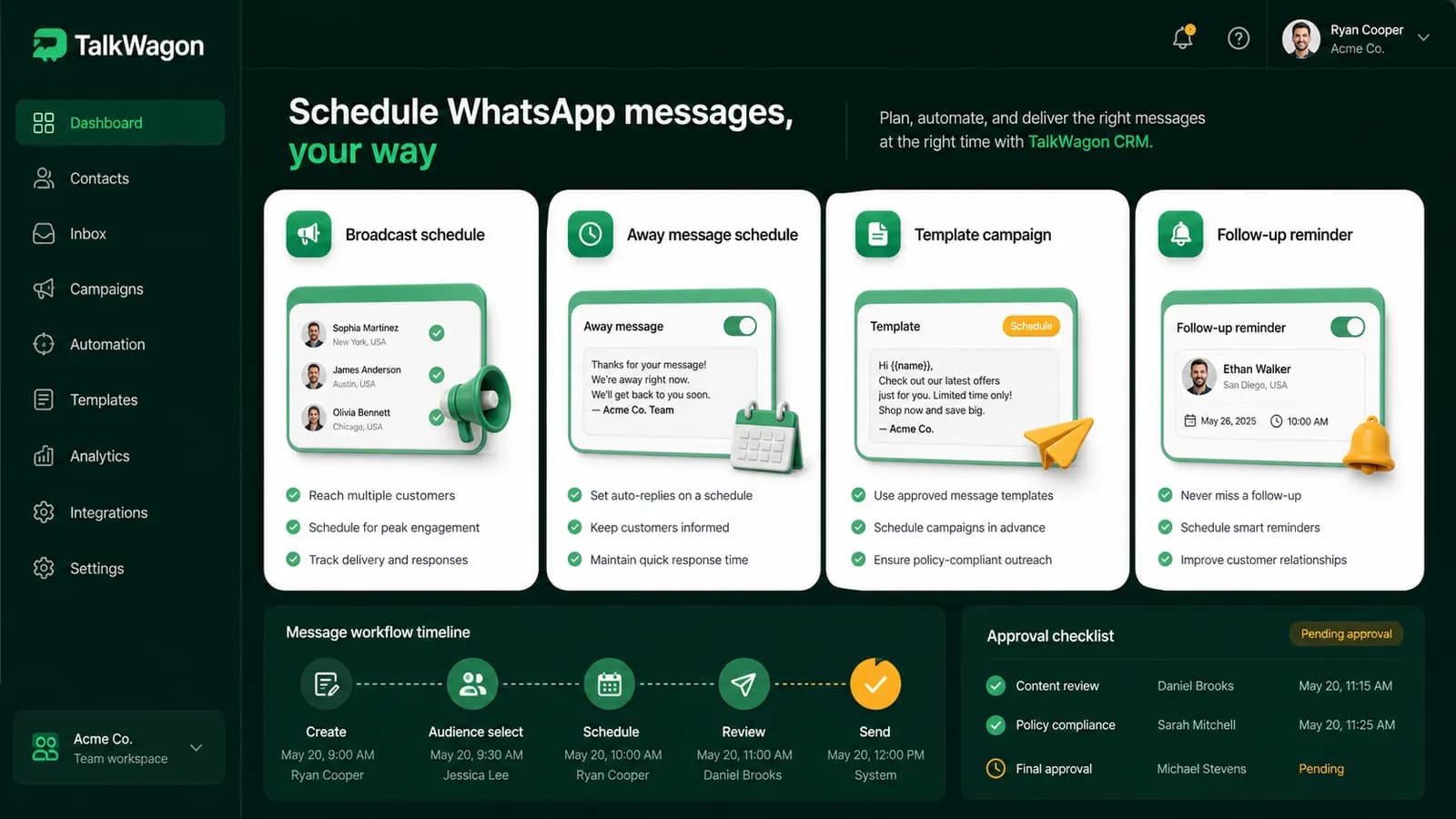
| Scheduled business broadcasts | Campaigns, announcements, product updates, reminders, or segmented messages sent to a selected audience. | Broadcasts still need opt-in, appropriate content, and current template or platform rules. A scheduled campaign should not become a spam shortcut. |
| Away-message schedules | Automatic replies outside business hours, during holidays, or when the team is temporarily unavailable. | An away schedule confirms availability expectations. It does not replace a real follow-up process after the team returns. |
| Template-based platform messages | Business-initiated messages sent through the WhatsApp Business Platform or a CRM that supports approved templates. | Templates need the right category, approval, variables, and customer context. Pricing and delivery rules can vary by market. |
| CRM follow-up reminders | Sales, support, renewal, booking, payment, or order follow-ups that should be assigned to a team member. | A reminder is safer than a blind automated send when the next message needs context or human judgment. |
| Workflow automation | Triggers, waits, tags, routing, owner assignment, and handoff rules around WhatsApp conversations. | Automation should organize timing and ownership. Sensitive replies still need review. |
Workflow
A better scheduling workflow for business teams
A customer does not care whether your message came from a broadcast scheduler, a template campaign, an automation, or a reminder. They care whether the message is relevant and whether someone can help if they reply.
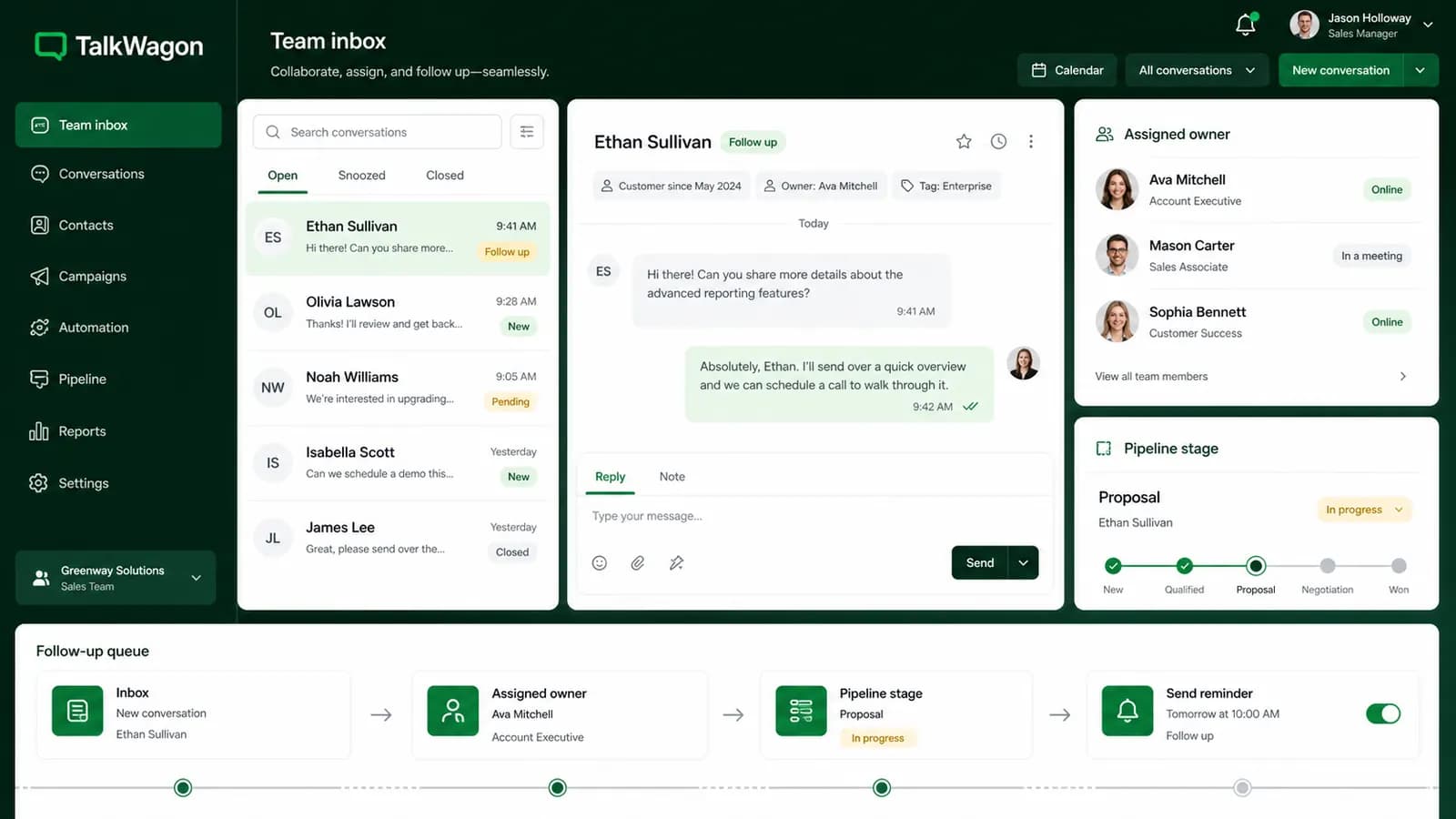
That is why scheduling should sit inside a team workflow. The team needs a purpose, owner, timing rule, follow-up path, and reporting view. Without those pieces, even a technically successful scheduled message can create operational confusion.
Choose the purpose
Decide whether the scheduled message is a broadcast, reminder, service update, appointment note, renewal follow-up, or after-hours acknowledgement.
Pick the right channel path
Use broadcast scheduling for audience messages, away-message schedules for availability, and CRM reminders for follow-ups that need a person.
Confirm template and consent
If the business starts the conversation, confirm that the customer context, opt-in, template category, and approval status are suitable.
Set the time safely
Use the recipient's market, business hours, quiet hours, and campaign purpose to choose the timing. Avoid sending at awkward local hours.
Assign reply ownership
Scheduling the outbound message is only half the work. Decide who handles replies, failed messages, handoffs, and follow-up tasks.
Review after sending
Check delivery, failures, replies, opt-outs, and support load. Use the results to improve the next scheduled workflow.
Broadcasts
How scheduled broadcasts should be reviewed
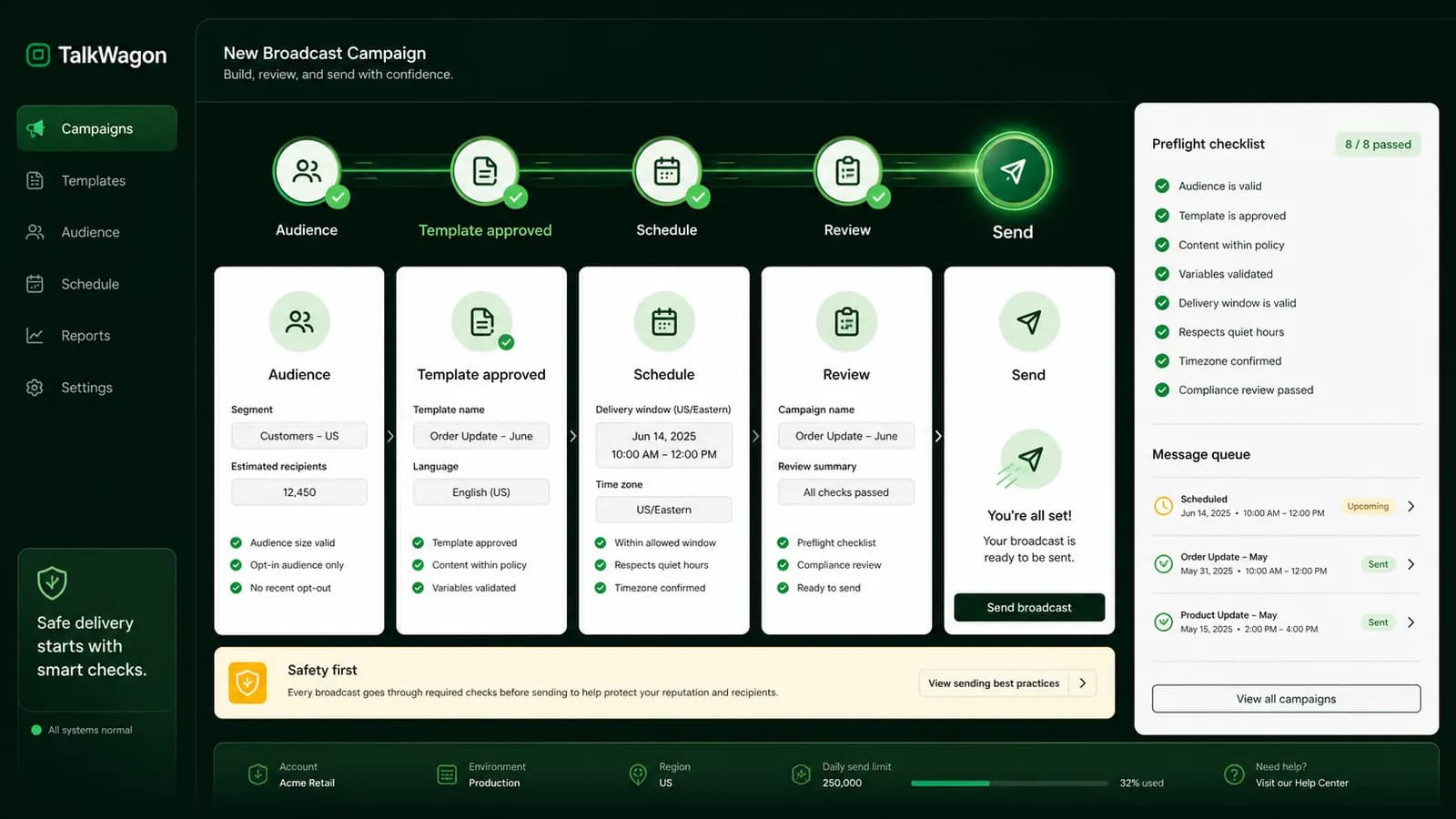
Scheduled broadcasts are useful when one message needs to reach a selected audience at a planned time. They are common for product updates, event reminders, renewal notices, appointment information, and campaign sends.
The risk is that a broadcast feels simple right before it creates a large reply queue. Before sending, check the audience, content, template status, time zone, opt-out handling, and who will answer incoming replies.
Automation
When to automate and when to schedule a human reminder
Automation can help with timing, but timing does not remove judgment. It is usually safe to automate internal organization: tags, owner assignment, waits, route selection, queue placement, and reminders. It is riskier to automate sensitive replies about payments, refunds, complaints, account access, legal issues, health details, or pricing exceptions.
A good rule is to automate the workflow around the message and keep human review for the message itself when context matters. That keeps the customer experience more reliable and gives the team a chance to catch mistakes.
Use automation for structure, not blind sending
Let automation prepare the follow-up, assign the owner, and remind the right person. If the reply needs context, schedule a human task rather than sending an automatic message without review.
Mistakes
Common scheduling mistakes to avoid
Checklist
What to check before a scheduled WhatsApp message goes out
Use this checklist before scheduling a broadcast, campaign, reminder, or automation-assisted message. It keeps timing decisions connected to customer expectations and team capacity.
- Audience permission and opt-in are clear.
- The message uses the correct approved template when required.
- Variables are tested with realistic customer data.
- The send time matches the customer's market or timezone.
- The team knows who owns replies after the message is sent.
- The workflow has a failure, pause, and human handoff path.
- The content does not ask for passwords, OTPs, card numbers, or private credentials.
- Reporting separates sent, delivered, failed, replied, and follow-up-needed states.
TalkWagon workflow
Where TalkWagon fits in scheduled WhatsApp workflows
TalkWagon helps teams manage the operational layer around WhatsApp timing: shared inbox ownership, contact context, pipeline follow-ups, approved broadcasts, automations, visual flows, AI answers from approved knowledge, and human handoff.
If you want to schedule audience messages, start with the broadcast workflow. If you need timed routing and follow-up logic, compare automation and visual flows. If you are still connecting WhatsApp to your customer system, read the WhatsApp CRM integration guide.
For related message setup, see the guides to greeting messages, away messages, quick replies, WhatsApp commerce, and the public WhatsApp API pricing page.
FAQs
Helpful FAQs about scheduling WhatsApp messages
Can you schedule WhatsApp messages?
For business use, scheduling depends on the method. WhatsApp Business supports scheduled business broadcasts in supported tools, away messages can be scheduled by availability, and CRM or platform workflows can schedule approved template campaigns or follow-up reminders. A normal one-to-one chat scheduler should not be assumed for every app, device, or account.
Can WhatsApp Business schedule broadcasts?
WhatsApp Help Center documentation describes a Schedule option for business broadcasts. Businesses should still confirm that their app version, account, market, and broadcast workflow support the option before relying on it.
Is an away message the same as scheduling a WhatsApp message?
No. An away message is an automatic availability reply sent according to rules such as always send, custom schedule, or outside business hours. It is useful for expectations, but it is not the same as scheduling a personalized follow-up or campaign.
How should a team schedule WhatsApp follow-ups safely?
Use a CRM workflow that stores the customer context, owner, due time, message purpose, and handoff rule. When the message requires judgment, schedule a reminder for the agent instead of sending automatically.
Do scheduled WhatsApp messages need approved templates?
Business-initiated platform messages often use approved templates. The exact requirement depends on whether the message is a service reply, a template message, a marketing campaign, or another supported workflow. Teams should review the current WhatsApp Business Platform rules before sending.
Schedule the workflow, not just the message
The best scheduled WhatsApp messages are connected to audience review, template readiness, time zones, owner assignment, and a clear reply path. TalkWagon gives teams the CRM workspace around that timing decision.
Start with TalkWagon